Google Cloud Arcade Facilitator program Guide by Ritik
🚀 Google Cloud Arcade Facilitator Program 2026 – Registration is Live ☁️
🔗 Register Here: Open Google Form
Complete your registration by following these steps carefully:
✅ Step 1: Enter your active email address.
✅ Step 2: Accept all the Terms & Conditions.
✅ Step 3: Fill in your basic details.
✅ Step 4: When the form asks "Do you have a Referral/Facilitator Code?", select Yes and enter this code:
"GCAF26-IN-6TX-2AH"
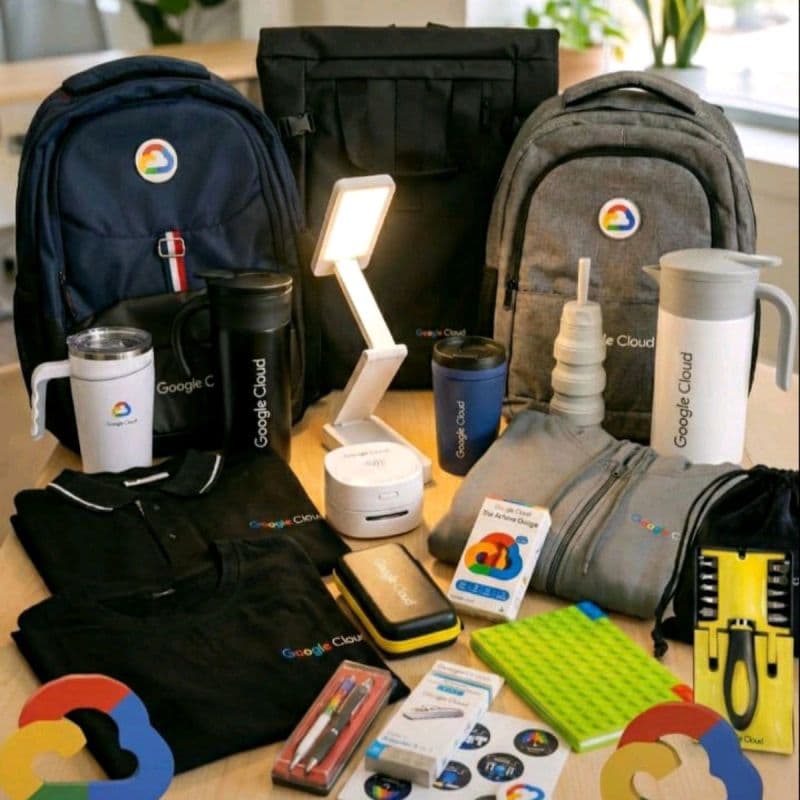
🎁 Using this code makes you eligible for Bonus Points, Community Support, Exclusive Resources, and exciting Goodies.
✅ Step 5: The form will ask for your Google Cloud Skills Boost Public Profile.
To get it: • Open Google Cloud Skills Boost. • Go to Profile → Settings. • Enable/check all the required privacy options. • Save the changes. • Copy your Public Profile URL.
Now return to the registration form, select "Yes, I already have a Google Cloud Skills Boost profile", and paste your Public Profile URL.
✅ Step 6: Enter the same email address that you used for your Google Cloud Skills Boost account.
✅ Step 7: Complete the remaining questions and submit the form.
⚠️ Important Notes: • Seats are limited, so complete your registration as soon as possible. • Selection is generally on a first come, first served basis. • After registration, the enrollment email may take 24–48 hours to arrive, so please be patient.
💪 Don't miss this opportunity to join Google Cloud Arcade Facilitator 2026 and start earning badges, bonus points, and exclusive rewards.
Best of luck! 🚀