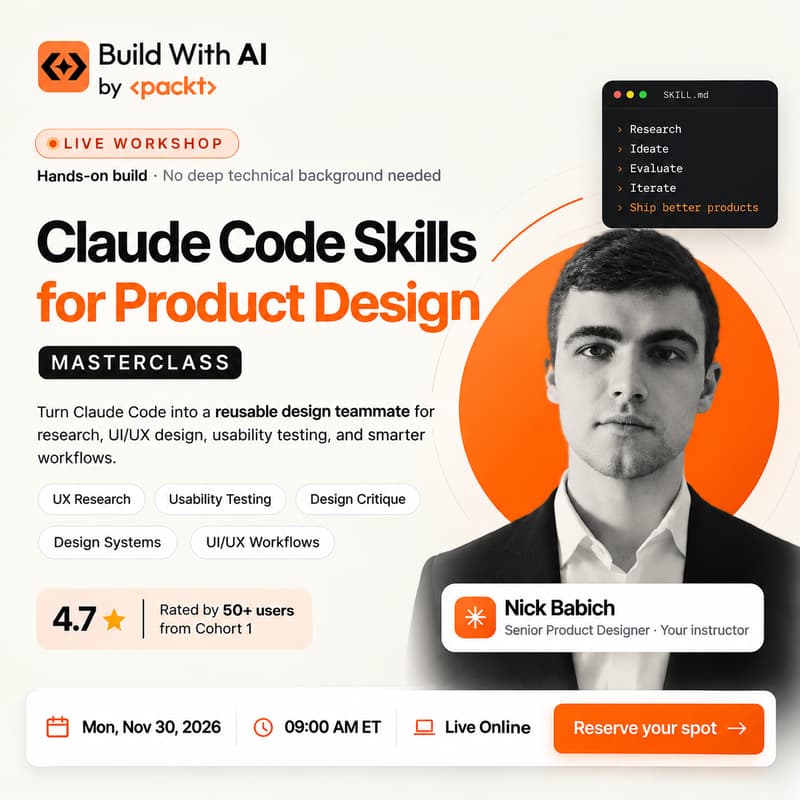

Claude Code Skills for Product Designers Masterclass
🎟️ Get your ticket on Eventbrite: https://www.eventbrite.co.uk/e/design-with-claude-turn-your-design-system-into-reusable-ai-skills-tickets-2003280400605
A 3-hour live workshop with Nick Babich, editor in chief of UX Planet. Leave with Skills you can use at work the next morning.
Why Attend Nine in ten designers now use AI at least once a week, according to the AI in Design 2026 report, yet the output still feels generic. It ignores your design system, forgets your standards between chats, and leaves you rewriting prompts for the same tasks again and again.
Claude Skills solve that problem. A Skill is a short instruction file that teaches Claude how your team works: your components, your heuristics, your research templates. Write it once and Claude applies it automatically, in the Claude app, in Claude Code and with Figma.
In this live workshop, Nick Babich shows you how to turn your best design practices into Skills that produce consistent, on-brand work. You will build three Skills alongside him, test them on real design tasks, and leave with a workflow that saves hours on audits, synthesis and documentation. You stay in control of the judgment. Claude takes on the repetitive execution.
This second edition is rebuilt for late 2026. It covers the Claude desktop app, which removes the need for a terminal, Figma's latest agent and MCP integration, and where Claude Design fits in your workflow.
What You Will Build Build three reusable Claude Skills that apply your design system and speed up research synthesis, heuristic reviews and test planning, live with Nick Babich. No terminal or coding experience needed.
A Design System Skill that stops generic output. Encode your tokens, components and visual rules so Claude produces work that looks like your product, not like every other AI-generated screen.
A Heuristic Review and Design Critique Skill. Run consistent usability reviews against the heuristics and severity scale you choose, then check the findings with your own expert judgment.
A Research and Usability Testing Skill. Turn a PRD or brief into a usability test plan, a screener and a discussion guide, and structure interview notes into themes you can verify against the source.
A connected workflow. Chain your Skills so that a change to a PRD updates the user flow, the test plan and the screener together.
A Figma connection. See how Claude reads your Figma files and sends work back to the canvas as editable layers, and learn when that is worth doing and when it wastes time and usage.
What You Will Learn
How Skills work, in plain language, and why they produce more reliable results than one-off prompts
How to let Claude draft a Skill for you from a description of your process, then refine it
How to test a Skill and fix it when the output drifts
How to choose between Claude chat, Claude Code, Cowork and Claude Design for a given design task
How to keep your Claude usage under control during heavy work sessions
How to share Skills across your team so everyone works from the same standards
Who Should Attend
Product designers who want Claude to follow their design system instead of producing generic, off-brand screens
Product managers who work closely with design and want research and review tasks done faster, without lowering the quality bar
Design and product teams who want shared AI workflows instead of everyone writing their own prompts
Frontend developers who work closely with designers and want AI output that matches the design system from the start No coding or deep technical background is needed. You should have used Claude before and have a design system or style guide, even a simple one.
Agenda (EST)
9:00–9:15 Foundations: What are Claude Skills?
9:15–9:45 Anatomy of a Skill and how to add a new skill to Claude Code
9:45–10:15 Turning design workflows into Skills
10:15–10:35 Live Demo #1: Crafting a UX Audit Skill
10:35–10:55 Live Demo #2: Figma Skills
10:55–11:15 Advanced Skills: Multi-step workflows
11:15–11:20 Common pitfalls and Skill cheatsheet
11:20–11:30 Open Q&A
Meet Your Instructor Nick Babich is a product designer and editor in chief of UX Planet, one of the largest UX publications on Medium. More than 160,000 readers follow his writing on Medium, and his work reaches a global audience of product professionals. He holds multiple Red Dot Design Award and Webby nominations and has designed products for Airbus, Google and Mitsubishi Motors. Nick writes regularly about Claude Skills for product designers and about why unreviewed vibe coding leads to weak design. He teaches AI workflows that make designers faster without lowering the quality bar.
What You'll Leave With
Three working SKILL.md files
A starter template for writing your own Skills
The full recording with 120-day access
A certificate of completion
FAQs I'm a product manager, not a designer. Is this for me? Yes, if you work closely with design. What do I need installed? Claude Code or Claude Desktop, installed before the session. Can't attend live? Everyone who registers gets the full recording.