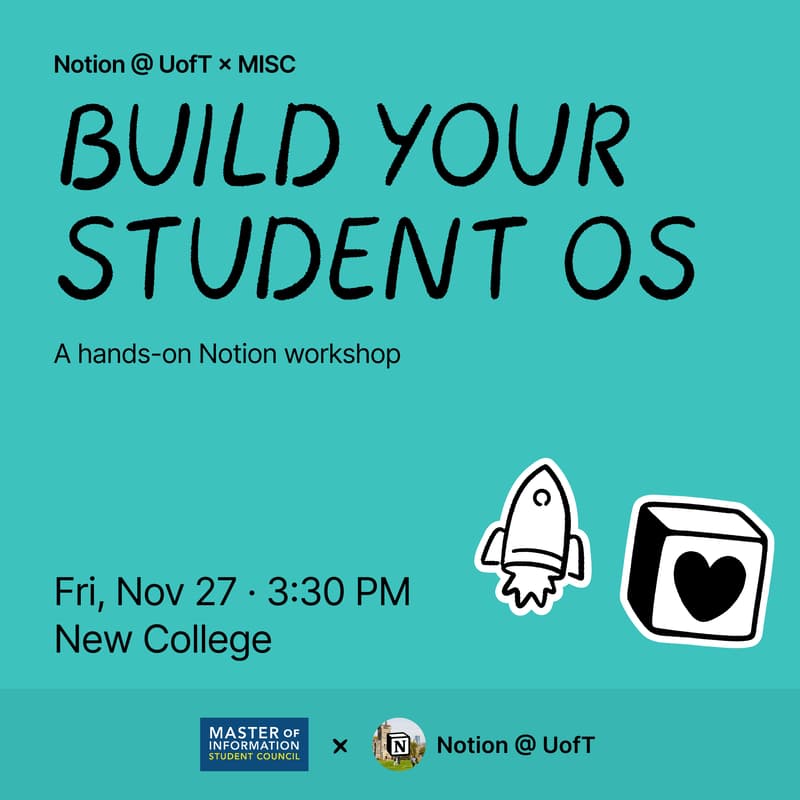

Build Your Student OS | MISC x Notion @ UofT
Juggling courses, readings, deadlines and job applications across five different apps? Come build one system that holds it all. In this hands-on session, you'll learn what a Student OS is, claim Notion's free Education Plus plan, and set up your own dashboard with linked Courses, Assignments, Notes and Tasks.
We'll wrap with a quick show & tell and a live demo of Notion AI agents, plus Q&A. Snacks provided. Bring your laptop and leave with a setup you'll actually use.
Agenda:
3:30 PM | Check-in, snacks + mingling (20 min)
4:00 PM | Intro to Notion + what a Student OS is, plus how to claim the free Education Plus plan (30 min)
4:30 PM | Guided build: everyone builds their own dashboard with linked Courses, Assignments, Notes and Tasks databases, with an optional extension for tracking readings and job applications (60 min)
5:30 PM | Show & tell (20 min)
6:00 PM | End of Session
📸 Photo notice: This event will be photographed, and photos may be shared by MISC and Notion @ UofT on social media and in future promotions. By attending, you consent to appearing in these photos. If you'd prefer not to be photographed