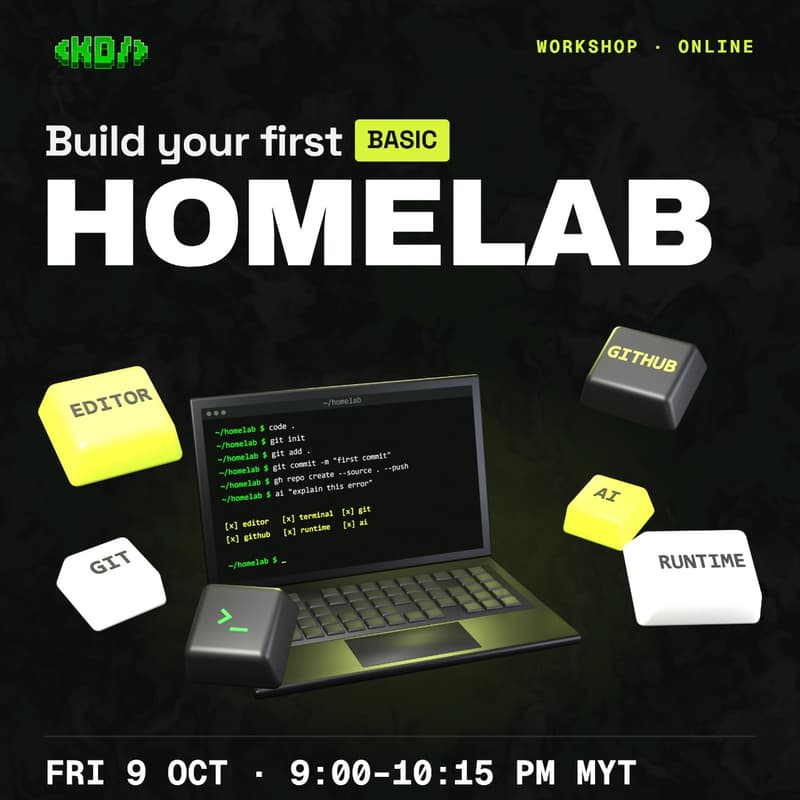

Build Your First Basic Homelab
Starting a project can feel overwhelming when your machine isn't properly set up for modern development. Where should you write code? What is the terminal actually doing? How does local Git connect to GitHub? What role does a runtime play and how can you integrate AI coding assistants effectively without losing control of your codebase?
Build Your First Basic HomeLab is a hands-on, beginner-friendly online workshop designed to take you from a blank slate to a fully functional local development environment tailored for software engineering and AI workflows.
What You'll Learn & Set Up
Code Editor: Configure an efficient text editor tuned for speed, extensions, and ergonomics[cite: 1].
Terminal & Shell: Demystify the command line, navigation, and everyday terminal workflows[cite: 1].
Git & GitHub: Learn version control essentials—initializing repos, committing code, and pushing to GitHub seamlessly[cite: 1].
Runtimes: Understand what runtimes do and install the core dependencies you need to execute code locally[cite: 1].
AI Coding Assistants: Pair your setup with AI tools as assistive co-pilots that enhance your learning curve rather than taking over[cite: 1].
Event Details
Date: Friday, 9 October
Time: 9:00 PM – 10:15 PM MYT
Format: Online Workshop
Community / Registration: discord.krackeddevs.com
Who Should Attend
Complete beginners looking to kickstart their software journey with clean fundamentals.
Builders exploring "vibe coding" and AI assistance who want a reliable local machine setup.
Anyone tired of battling broken paths, missing dependencies, or terminal confusion.