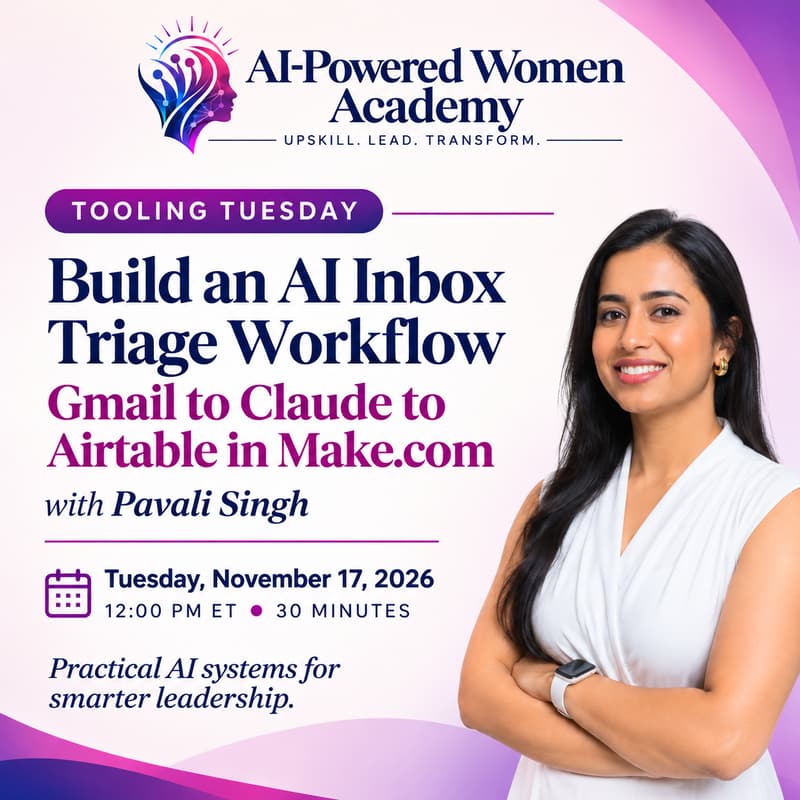

Tooling Tuesday: "Build an AI Inbox Triage Workflow: Gmail to Claude to Airtable in Make.com" with Pallavi Singh
In this practical, 30-minute Tooling Tuesday session, Pallavi Singh will show you how to build an AI-powered customer inquiry workflow using Gmail, Claude, Airtable, and Make.com.
You'll learn how to connect these tools to create a simple automation that receives emails, uses AI to extract important information, and organizes each inquiry into a structured, trackable database.
But this isn't just about making automation work. It's about understanding what happens when AI produces inconsistent results, how to troubleshoot failures, and where human oversight matters.
What You'll Learn
Connect your tools: Use Gmail to trigger an automated workflow in Make.com.
Structure AI outputs: Write effective Claude prompts that return consistent, database-ready information.
Organize customer inquiries: Configure a parser and map AI-generated information into Airtable.
Troubleshoot in real time: Discover how to handle messy emails, missing fields, and broken automation runs.
Automate responsibly: Identify which tasks AI can handle and when urgent or sensitive inquiries require human review.
What to Expect
Pallavi will walk through a working four-step automation, demonstrate how to test and troubleshoot it, and explain each concept in accessible, nontechnical language.
Drawing on more than seven years of enterprise product experience at Accenture, Vistex, and Capgemini—including leading an AI automation program adopted by over 20 delivery teams—she'll share practical lessons from building workflows that work beyond the demo.
No coding background required. Just curiosity and a willingness to experiment.