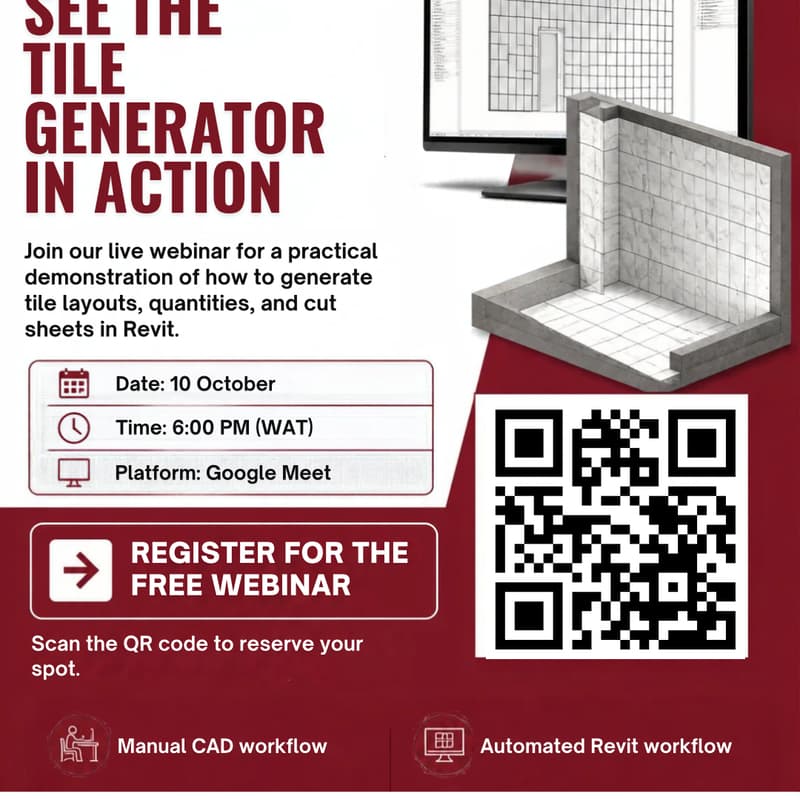
Architects, stop Drawing Tiles by Hand: Learn how to Create Instant Tile Layouts, Quantities & Cut Sheets in Revit (Live Demo +Q&A)
Drawing tile patterns room by room in Revit takes days. Counting cuts by hand leads to incorrect orders, angry contractors, and wasted money on site. When a client asks you to rotate a pattern by 45 degrees, you have to start from scratch.
It does not have to be this hard.
In this free, practical masterclass, we will show you how to automate your entire tiling workflow inside Revit using the Tile Generator plugin.
What You Will Learn:
Instant Layouts: How to select multiple rooms and create real, 2D/3D cut tiles in seconds instead of days.
100% Accurate Takeoffs: Generate full schedules, material takeoffs, and waste estimates with one click.
Fast Design Changes: How to rotate, re-align, or swap patterns across 60+ rooms without redrawing a single line.
Clear Cut Sheets for Site Teams: Give tilers clear offcut drawings so they cut the right pieces and avoid wasting boxes of tiles.
Reliable Workflow: Runs smoothly on Revit (2023–2027) with seamless 30-day trusted sign-ins.
AI Assistant: There is an AI Assistant integrated that does any tile layout operations with a single prompt.
Who Should Attend: Architects, interior designers, and BIM coordinators who want to finish projects faster and eliminate manual drafting. See you in class!