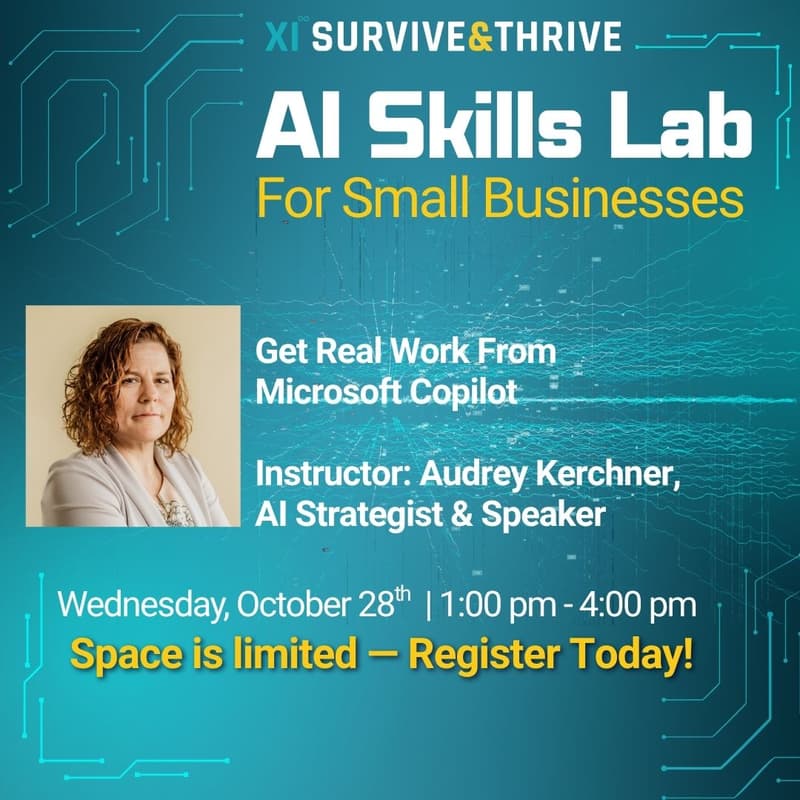

AI Skills Lab: Get Real Work From Microsoft Copilot
Many companies can’t share sensitive data with AI tools like ChatGPT and Claude. Microsoft 365 Copilot gives you a way to use AI while your data stays secure inside your environment.
This workshop shows you how. Live demonstrations across Word, Excel, Outlook,and Copilot agents, so you leave knowing where you and your team can delegate work to AI.
You will see how Copilot can:
Draft, summarize, and rework documents in Word
Turn raw spreadsheets into plain-language insights in Excel
Handle email and meeting notes in Outlook and Teams
Run deeper research and analysis with built-in Copilot agents and automatiions
Understand how access and security settings shape what Copilot can do, so you know the right questions to bring to your administrator
This is a demonstration workshop, so you watch and learn rather than build on the spot.
Who it is for: Business owners, executives, and teams at Microsoft-first companies who want to get more out of AI without leaving their environment. Beginner to intermediate level.
About the Instructor: Audrey Kerchner
AI Consultant | Chief Strategist | AI Keynote Speaker
Audrey Kerchner is the founder of Inkyma - an AI consulting firm dedicated to helping small and midsized businesses implement solutions that deliver real results. With over 20 years of experience in strategy and marketing, she’s known for turning AI confusion into clear, simple, actionable tasks that any business owner can follow.
She has led dozens of hands-on trainings, including work with the U.S. Department of Veterans Affairs and multiple private advisory groups. Audrey excels at guiding business owners through practical exercises, breaking down complex ideas into plain-English steps, and showing leaders how to use AI to lighten their workload - not add to it.
She believes AI should be accessible to every business - not just the big ones - and her workshops reflect that mission.