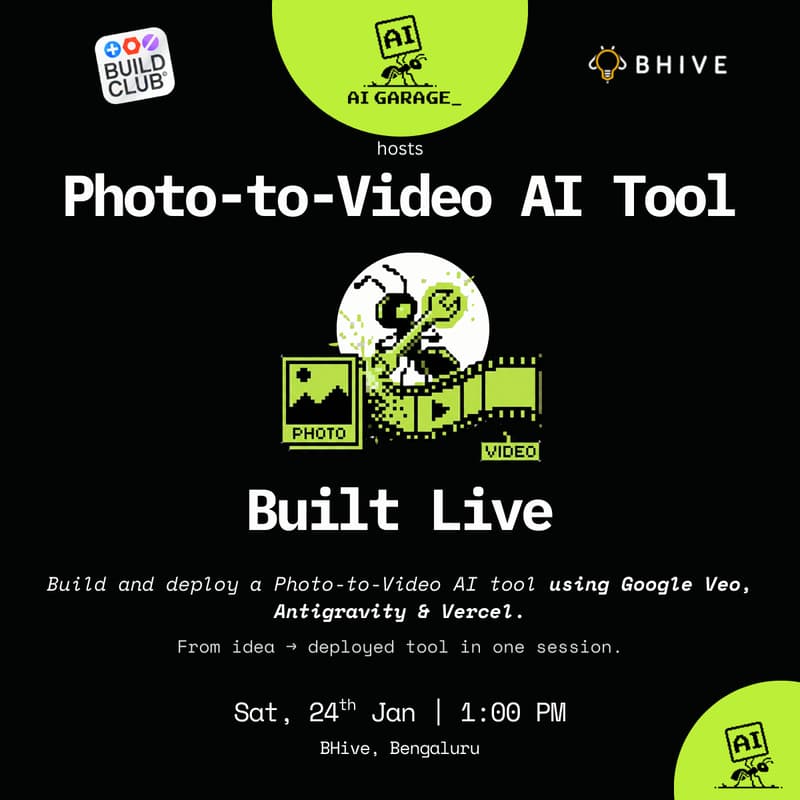

Build a Photo-to-Video AI App (Google Veo × Antigravity × Vercel)
In this hands-on workshop, we’ll build a real, deployable Photo-to-Video AI app from scratch.
You’ll learn how to:
scrape images & copy from a product URL,
generate short videos using Google’s Veo (Gemini Video),
deploy the app on Vercel, and
optionally save outputs to Google Drive using proper OAuth flows.
This is not a demo or slide session.
You’ll leave with a working app, live on the internet.
Built using:
Antigravity · Google Gemini/Veo · Supabase · Vercel
What You’ll Build
By the end of the workshop, you’ll have:
A web app where users paste a product URL
Automatic extraction of images & product context
AI-generated short promo videos
Google Sign-In (proper OAuth, production-safe)
Optional: save videos directly into a selected Google Drive folder
A deployed app you can share instantly
Who This Is For
This workshop is ideal for:
Founders & startup operators
Marketers & growth teams
D2C / brand folks experimenting with AI content
Product managers & consultants
Non-technical professionals curious about building AI apps
You do NOT need to be a developer.
Basic familiarity with AI tools is enough.
What You’ll Learn (Key Concepts)
How modern AI apps are actually structured (frontend, backend, AI, infra)
Using Antigravity to build apps without deep coding
Calling Google Veo (Gemini Video API) correctly
Designing OAuth the right way (incremental permissions, Drive access)
Deploying production apps on Vercel
Avoiding common mistakes that block Google verification
Agenda (2.5–3 hrs)
1. Context & Architecture (20 mins)
What we’re building, how the pieces fit, common pitfalls
2. App Skeleton with Antigravity (30 mins)
Frontend, API routes, deployment setup
3. Product Page → Structured Input (25 mins)
Scraping images & text safely
4. Photo → Video with Google Veo (40 mins)
Prompting, API calls, video generation
5. Auth & Google Drive Integration (30 mins)
Google Sign-In, folder picker, saving videos
6. Deploy, Debug & Ship (20 mins)
Production checklist + sharing your app
7. Open Q&A (15 mins)
Prerequisites (Important)
Please come prepared with:
A Google account
A Vercel account (free)
A Supabase account (free)
A laptop (Chrome recommended)
We’ll guide you through API keys during the session.
What You’ll Walk Away With
A live AI app URL
Clear mental model of building AI products
Reusable patterns for future AI apps
Confidence to build beyond “prompting”
About the Host
This workshop is hosted by AI Garage, a community helping non-technical professionals build real AI solutions for work and life.
We’ve hosted 10+ hands-on AI workshops, and several participant projects have gone on to become internal tools or live products.
Limited Seats
This is a hands-on build session, not a webinar.
Seats are limited to ensure 1:1 debugging support.