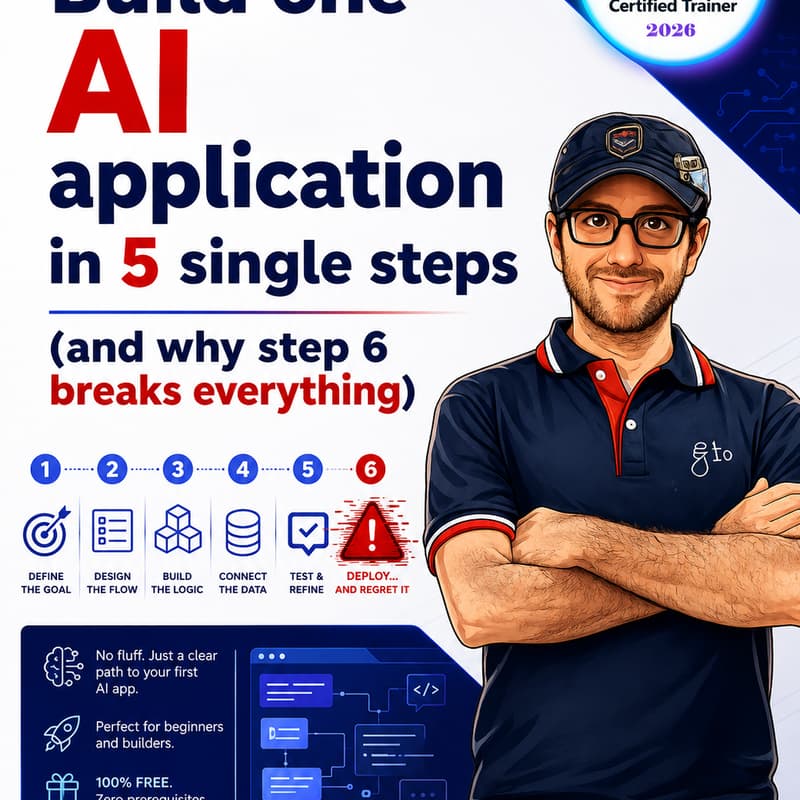
Build one AI application in 5 single steps (and why step 6 breaks everything)
Build one application in 5 steps with AI
AI coding agents can generate code quickly. How do you make sure the result follows project rules and does what users need?
In this free, 90-minute live demonstration, watch an instructor guide an AI coding agent from a starter repository to a tested checklist web app running on Azure.
You'll see how project policies become requirements, why a reviewed plan comes before code, and how tests expose and help correct a real failure.
What you'll see
1. Template — 10 minutes: Start with a web app structure containing a frontend, Python backend, shared AI instructions, project management files, and tests.
2. Agent configuration — 10 minutes: Give the coding agent clear rules for policy retrieval, secure handling of credentials, and the build workflow.
3. Memory — 15 minutes: Retrieve two prepared, versioned project policies from Azure AI Search Free and cite them as inputs to the requirements.
4. SDLC — 20 minutes: Review a TASK, SPEC, and PLAN before code generation. Define acceptance tests for adding a checklist item, marking it complete, reopening it, and preserving its status after a page reload.
5. Execution — 35 minutes: Generate the app and tests, run them, correct a failing test, and demonstrate the working checklist locally and on Azure App Service Free F1.
Who should attend
Developers, software engineers, and technical leads who want to see a complete AI-assisted build. Basic familiarity with web apps and automated tests is helpful.