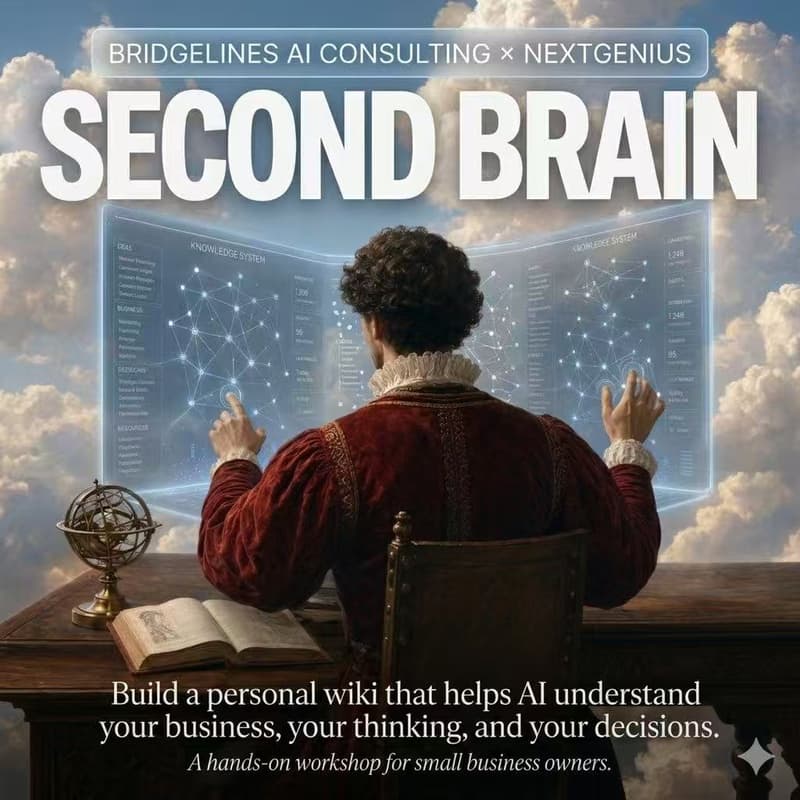

Stop Repeating Your Business Context to ChatGPT — Build Your AI Personal Wiki in 2 Hours
For founders, consultants, operators and SMB owners who use AI daily but are tired of explaining the same business context again and again.
Every time you open a new chat, you explain the same things over again — who you are, what your business does, why you decided what you decided last time. Then the window closes and the context is gone.
A wiki is the smallest fix for this. One folder, on your machine, that you and your AI maintain together. Every time you feed it, it knows you a little better. Next question, it pulls from the wiki instead of re-reading raw material from scratch.
In one Zoom session, we build it on your laptop, with your real material — live, together.
Online format
This is the Free Zoom edition of the workshop. Same content, no travel, but less hands-on experience.
Zoom link: https://uni-sydney.zoom.us/j/9424656919?omn=82416342444
Join 5 minutes early so we can start on time. Camera on preferred — this is a small working session, not a webinar.
What you walk away with
A working wiki folder on your own machine — no SaaS lock-in
A schema fitted to your business (how things are filed, named, and read by AI)
At least 2 real sources already ingested
At least 1 successful "I asked the wiki, the wiki gave me something useful" loop
A clear 7-day homework to grow the seed into a second brain
Format (2:00 – 4:00 pm, Sydney time)
2:00 – 2:25 Hook + concepts RAG vs wiki in one picture. The three layers (raw wiki / rules). The three actions (feed / ask audit).
2:25 – 2:50 Live demo Ody builds a real wiki from zero on screen-share — make folder → write schema → feed 2 sources → ask 1 real question. Live, with Claude Code on Ody's actual ody-wiki vault. No staged demos.
2:50 – 3:30 You build yours (hands-on, the core of the workshop)
Pick one of three tracks:
Client archive (sales consultants SDRs)
Industry intel (investors researchers content people)
Personal decision log (founders / indie hackers)
Tooling: Claude Cowork (zero install, browser) or your own Claude Code setup. Stuck? Drop into the Zoom chat or unmute — Ody is on the call the whole time. If you need a one-to-one screen-share, we can break out.
3:30 – 4:00 Open Q&A Anything goes — wikis, AI workflows, Claude internals, agent engineering, AI startup questions. Nothing held back.
By the end, you will have a folder-based AI wiki with your own business materials, a simple schema, and one working AI Q&A loop using your real context.
What to prepare
① Laptop + charger, on a stable connection. Phone or tablet won't work — you need to actually build.
② 3–5 pieces of your own real material
WeChat threads, emails, meeting notes, Notion pages, personal notes, client docs — anything
3–5 pieces, at least 2 different types (not all articles), and actually yours (not stuff you found online)
Put them in a
sources/folder on your desktop before we start
③ One AI agent tool installed (pick one)
Claude Code — terminal agent
Codex App — OpenAI's agent desktop app
Claude Cowork — browser, zero install (fallback)
If install gives you trouble, ping the group chat ahead of time, or fall back to Cowork on the night — you can still ship.
Who this is for
SMB owners / business leads who want AI to actually understand their business instead of re-briefing it every week
Heavy AI users running ChatGPT / Claude daily and watching context evaporate every session
Consultants, indie hackers, content creators — for you, knowledge compounding is the moat
Anywhere in the world is fine — session runs in Sydney time, see the Luma event time for your local conversion.
Hosts
Ody Zhou — AI product builder & consultant @ Bridgelines. Ex-Microsoft and ex-HSBC tech. Runs his own ody-wiki vault every day for writing, decisions, client work, and content production. He's teaching what he actually uses.
NextGenius Sydney — Sydney-based AI founder community.
Seats
small-group so every person ships a working wiki by the end, and Ody can actually see your screen when you're stuck