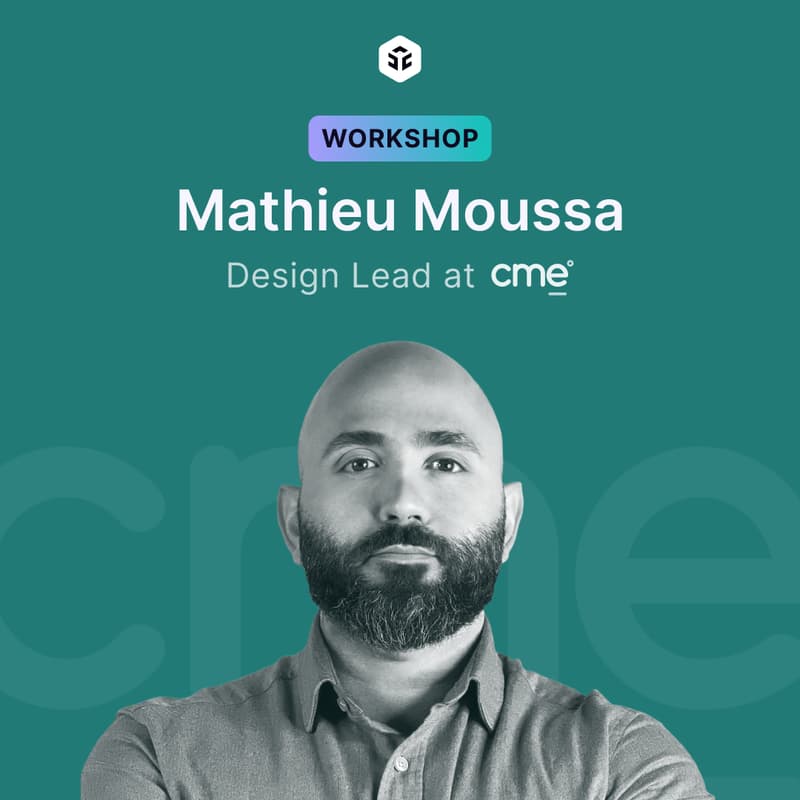

Workshop | Build Multilingual Design Systems in Figma (LTR, RTL & Dynamic Layouts)
🎯 For UX & Product Designers | 🧠 Intermediate | 🛠️ Hands-on workshop | 🕒 90 minutes | 👥 40 seats | 💵 $80 Standard / $50 Uxcel Pro
If your “multilingual” product actually means three versions of every screen, broken auto-layout, and last-minute RTL hacks before launch, your design system isn’t scaling. It’s holding you back.
In this hands-on workshop, you’ll learn how to architect a multilingual design system in Figma. You’ll build components that cleanly handle both LTR and RTL, wire them up to a centralized text system, and use variables and modes to flip entire flows between languages in seconds instead of days.
Led by Mathieu Moussa, a Product Design Lead at CME and Uxcel Instructor with 15+ years in UX, product, and design leadership. At CME, Mathieu built and led a 20+ designer team, shipped digital wallets for major banks, and helped power large-scale platforms contributing to Saudi Arabia’s Vision 2030 — so he knows exactly what breaks when you localize at scale, and how to prevent it.
You’ll walk away with a working multilingual Figma setup — bi-directional components, dynamic text variables, and a reusable system you can plug straight into your product.
🧠 What You'll Learn
Build components that support both LTR and RTL layouts.
Create and manage a centralized multilingual text system using Figma Variables.
Apply a powerful technique to bind layout direction behavior directly to your components using variables.
Keep your multilingual text system organized and easy to update as your product scales.
🕘 Agenda
Welcome & context (5 min): Set the stage, align on workshop goals, and preview what you'll walk away with.
Setting up your system for multilingual scaling (10 min): Structure your Figma file to support localization from the ground up, no duplication required.
Building bi-directional components (15 min): Create components that adapt seamlessly between LTR and RTL layouts without breaking.
Connecting to a multilingual text system (20 min): Link your components to dynamic language variables and strings for centralized copy management.
(Demo) Instant language switching (15 min): Watch, and follow along, as full screens are converted from English to Arabic using Figma Modes.
Controlling layout direction with variables (10 min): Apply a powerful technique to bind directional behavior directly to components using Figma Variables.
Maintaining your system at scale (10 min): Learn how to keep your text system clean, organized, and easy to update across a growing product.
Q&A (15 min): Ask anything: design systems, localization strategy, or challenges specific to your own use case.
⚙️ Format
Hands-on workshop.
You can actively work on building a multilingual design system with components and mockups as you follow along during the session or simply observe and apply it later.
👤 Who Should Attend
Experience level: Intermediate
This workshop is for UX and product designers who work on (or are preparing to work on) products that serve multilingual audiences. You should be comfortable with Figma components and have a basic familiarity with design system concepts.
🎤 Meet Your Instructor
Mathieu Moussa is a Product Design Lead and Uxcel Instructor with 15+ years of experience in UX, product management, and design leadership.
At CME, he built and scaled a 20+ designer team and led complex digital products across fintech, education, and government, including digital wallets for major banks and large-scale platforms contributing to Saudi Arabia's Vision 2030 transformation. He mentors designers and product professionals, with mentees going on to roles at companies like Visa, and currently advises Microsoft employees on product validation and strategy.
Mathieu is a Uxcel Instructor behind Stakeholder Management & The Product Development Lifecycle & Methodologies courses.
🛠️ Tools
Figma
🤝 Brought To You By
Uxcel is a learning platform used by 500,000+ product professionals and 200+ organizations to build cross-functional skills across UX design, product management, and AI. Learn through short, gamified courses that fit into a working day, earn certifications, and build a portfolio with real-world project briefs. Ranked Top 50 Educational Product worldwide by G2 in 2024 and 2025.
Interested in hosting an event with us? Apply here.
Join our Discord community of 6,900+ UX and product professionals and start connecting today.
Catch up on past events and stay connected with us on LinkedIn, Instagram, and Twitter for more updates!
📌 Notes
Includes access to the full recording.
Tickets are non-refundable once the session has started.
Use Uxcel registered email address when purchasing Uxcel Pro tickets.
Participants will receive a Figma template and a worksheet after the session.