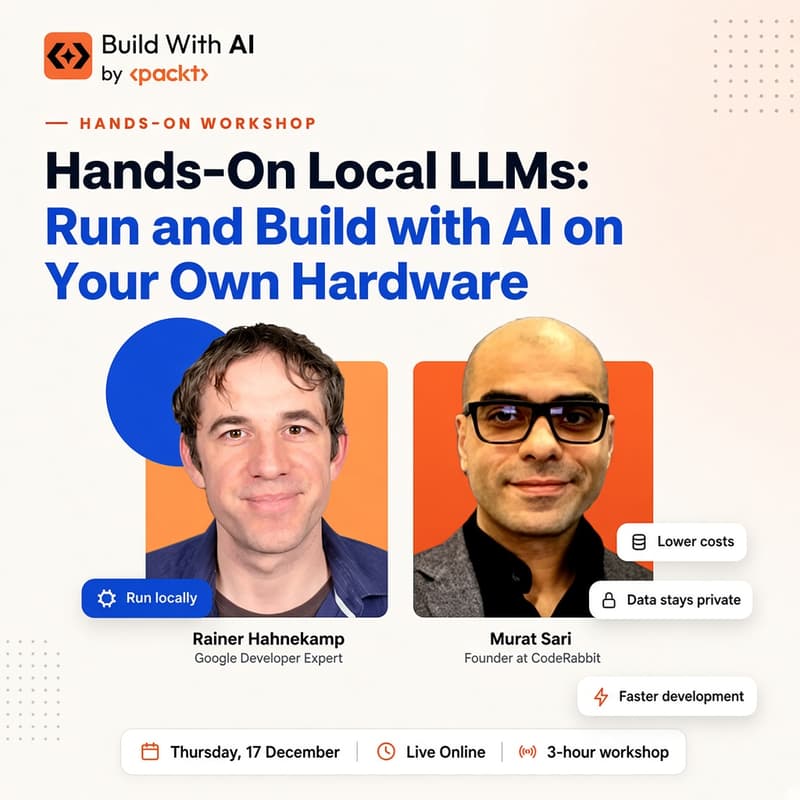

Hands-On Local LLMs: Run and Build with AI on Your Own Hardware
Stop paying per token and sending sensitive data to hosted APIs. In 3 hours, you'll choose the right local model for your hardware, run it with Ollama, connect it to a real document assistant, and test whether it's reliable enough to ship.
Limited to 40 seats so the instructors can help with setup issues live.
What You'll Walk Away With
A working local AI assistant that answers questions over your own documents
A RAM/VRAM sizing method for Gemma, Llama, Mistral and Qwen
A clear framework for choosing between Ollama, llama.cpp, MLX and vLLM
An evaluation checklist for quality, latency, memory use and regressions
The full recording, a setup guide and a certificate of completion
Why Attend?
Downloading a local model and getting it to answer a prompt is easy. Choosing one that fits your hardware, responds fast enough and gives reliable answers inside your application is harder.
A local LLM can keep sensitive data inside your environment, support offline applications and reduce your dependence on hosted APIs. Whether it's right for your team depends on what your hardware can handle and what your users need.
Take an assistant that answers questions about internal documents. The model may fit on your laptop, but how quickly does it answer? Does it pull the right document? If you switch to a smaller model, how will you spot a drop in quality? In this workshop, you'll learn to test those trade-offs before you commit to a model or serving stack.
What You'll Learn
Compare Gemma, Llama, Mistral and Qwen for different use cases
Estimate RAM and VRAM requirements before running a model
Understand how quantization affects memory, speed and quality
Choose between Ollama, llama.cpp, MLX and vLLM
Connect local models to assistants, RAG systems and applications
Add sandboxing and guardrails to local agent execution
Evaluate quality, latency, memory use and regressions
Decide when to use prompting, RAG or LoRA
Agenda (EST)
9:30 Local vs hosted: when running locally makes sense for privacy, offline use and cost
9:50 Model and hardware fit: estimate RAM/VRAM and see how quantization changes memory, speed and quality (hands-on)
10:30 Running models: Ollama in practice, and where llama.cpp, MLX and vLLM fit (hands-on)
11:05 Break
11:15 Build the assistant: connect a local model to a document Q&A assistant, then add sandboxing and guardrails (hands-on)
11:55 Is it reliable enough? Evaluate quality and latency, and choose between prompting, RAG and LoRA
12:15 Live Q&A with both instructors
Meet Your Instructors
Murat Sari: Murat brings hands-on experience from industrial machine vision and local AI systems, where inference must run reliably on-site.
Rainer Hahnekamp: Rainer is a Google Developer Expert, core NgRx maintainer, creator of Sheriff and NgRx Toolkit, and an enterprise software engineer with 15 years of experience.
Who Should Attend?
This workshop is built for software developers and architects deciding whether to run models locally or keep using hosted APIs. It's also useful for AI, platform, DevOps and security engineers working on model infrastructure or safe agent execution. No previous experience with local inference engines or fine-tuning is required.
What's Included
Live, hands-on workshop with guided exercises and instructor demos
Practical model and hardware selection framework
Live Q&A with both instructors
Full workshop recording
Certificate of completion
What You'll Need
Memory: We recommend a laptop with 16 GB RAM. With 8 GB, you can follow along using the smallest models.
Hardware: An Apple Silicon Mac or a Windows/Linux machine. An NVIDIA GPU is helpful on Windows or Linux and is optional.
Software: Install Ollama and Docker before the session. We'll email a setup guide one week ahead.
Watch-along option: If your laptop struggles with a model, you can watch the demo live, ask questions and practise afterwards with the recording.