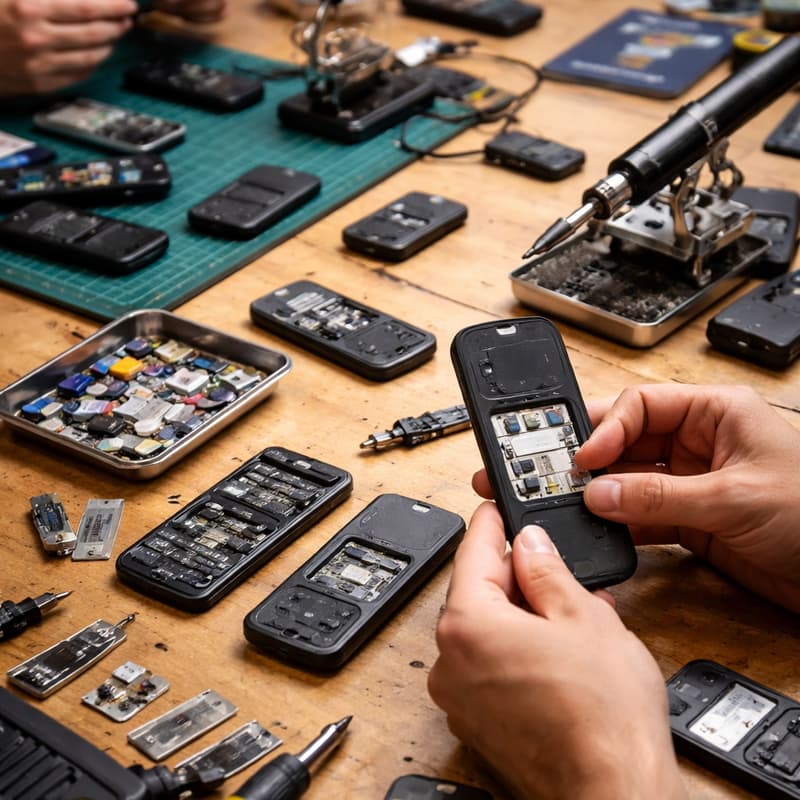

Burner Phone 101: Build Your Own Travel Burner (Hands-On Workshop) - Open Registration
Burner Phone 101 is a full-day, hands-on class designed for travelers, journalists, activists, and privacy-conscious individuals who want practical, real-world skills for staying connected while minimizing digital risk. In the morning sessions, we’ll cover the fundamentals: what burner phones are, when and why to use them, how to choose the right device and SIM, and the legal and ethical considerations of using temporary phones while traveling. The focus is on responsible, lawful privacy and personal safety—not secrecy or wrongdoing.
In the afternoon lab, this becomes a bring-your-own-device workshop. Participants will configure their own burner phone step by step, using their unlocked device and a prepaid or travel SIM. Guided by the instructor, you’ll set up accounts, install only the essential apps, harden privacy and location settings, and practice safe-use scenarios like border crossings, hotel Wi-Fi, and end-of-trip device retirement. You’ll leave the class with a fully functional burner phone, a clear checklist you can reuse for future trips, and the confidence to travel with better digital boundaries and peace of mind.
Agenda
10:30 – 1:00
Presentation: modern burner phones, travel risks, threat modeling, and mobile privacy basics
1:00 – 1:45
Lunch break
1:45 – 6:30
Hands-on lab: guided installation of GrapheneOS and configuration for secure travel use, plus wrap-up and Q&A
Burner Phone 101 Lab— What to Bring
Bring these items to the lab:
Google Pixel phone
Supported models: Pixel 6 6a / 6 Pro / 7 / 7a / 7 Pro / 8 8 Pro
Must be unlocked and not carrier-branded
Laptop
macOS, Windows, or Linux with admin access
USB-C cable
Data-capable (not charge-only)
Charging setup
Wall charger or battery pack
Time & patience
Follow instructions step-by-step; this is a guided lab
Before you arrive:
Back up any important data — the installation will erase your phone
Fully charge your devices
Bring any login credentials you might need after the lab
Budget vs Longevity Options:
Budget: Older or used models (e.g., Pixel 6a, used Pixel 7) — safe for travel, fewer future updates
Longevity: Newer models (Pixel 8 / 8 Pro, Pixel 7 Pro) — longer updates, better hardware support
Amazon Purchase Links (affiliate code: mckeemansfnb1-20):
Tip: Always verify the device is unlocked and not carrier-restricted before purchasing.
Do NOT bring:
iPhones or non-Pixel devices
Carrier-locked Pixels (especially Verizon)
Phones with unbacked-up critical data
Charge-only cables
Download this checklist and guide in PDF format: https://drive.google.com/file/d/1xuQDk3owycvOceN9thgaz_KUZ9E7SCYS/view?usp=sharing
This event is hosted at the Frontier Tower:
We are transforming a 16-floor tower in San Francisco into a self-governed vertical village—a hub for frontier technologies and creative arts. Tier-one labs presenting AI, Ethereum, biotech, neuroscience, longevity, robotics, human flourishing, and arts & music. These floors will house innovators and creators pushing the boundaries of human potential in a post-AI-singularity world.
Apply here for founding citizenship: https://frontiertower.io/apply
Why should I become a citizen?
Be part of creating the first self-governed vertical village
Connect with the most creative people in the city
Get access to all floors, free event space & movement floor
Website: https://frontiertower.io/
Need more reading? Visit https://frontiertower.notion.site/