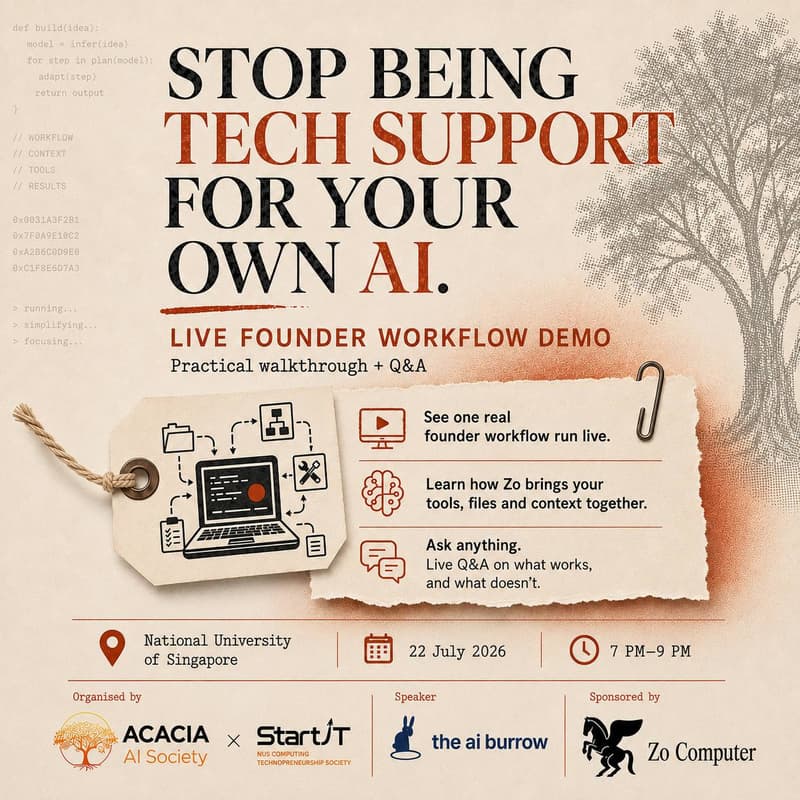

Your Startup's Control Room: Building with Zo Computer
Stop Being Tech Support for Your Own AI
A practical intro to Zo Computer for founders
Most people spend more time managing AI tools than actually getting useful work out of them. Too many tabs, too many logins, and context scattered everywhere.
This session is for founders and builders who want to see a cleaner way to work.
We’ll walk through how Zo Computer can act as a startup control room: one place for your files, tools, and context, so you can actually run workflows without juggling everything manually.
How the night runs
We’ll walk through one real founder workflow live
We’ll break down how the setup works and where it’s actually useful
We’ll end with Q&A and a few simple ways to start trying it for yourself
You’ll leave with
a clearer sense of what Zo Computer is good for
one real example of a founder workflow in action
a better feel for whether this is something you want to explore further
Whether you’re a founder, a student, or just curious about personal agents, this is a good first room if you want to understand how people are actually using these tools in practice.
Details
📍 National University of Singapore
📅 22 July 2026
🕖 7pm–9pm
🎤 Led by Hosan Swee, founder of AI Burrow, a Singapore applied-builder lab focused on real agent workflows and practical AI systems.
Organised by Acacia AI Society and StartIT · Sponsored by Zo Computer
Bring a laptop if you want to follow along lightly, but this session is mainly about seeing how the workflow works in practice.