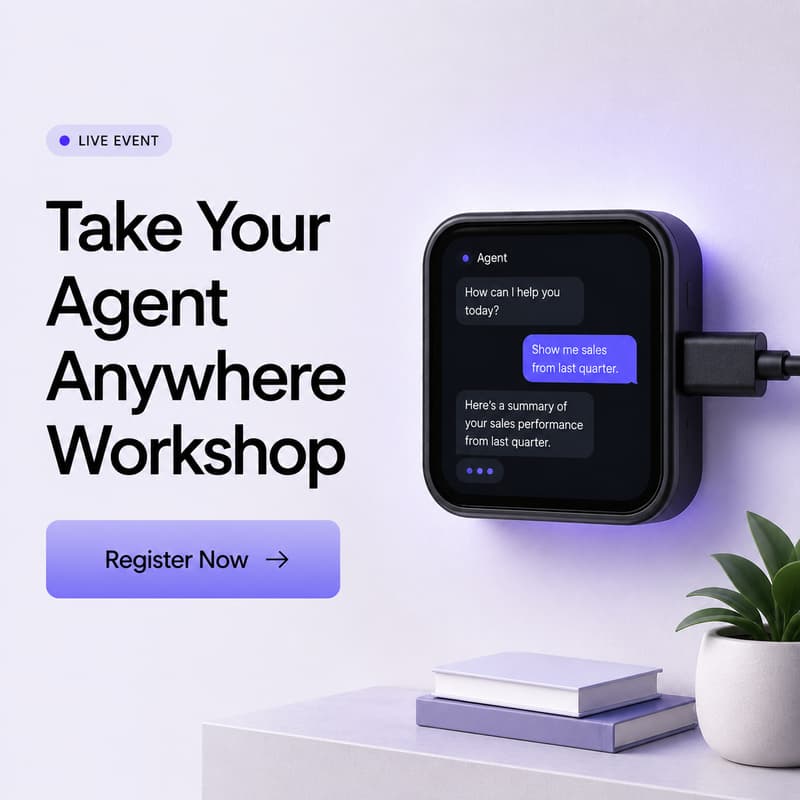

Take Your Agent Anywhere: Building a Physical AG-UI Client (Hands on Workshop)
Hosted by the CopilotKit team
AI agents usually live in browser tabs and chat windows. In this hands-on workshop, we're getting one running on physical hardware.
We'll take a Waveshare ESP32-S3-Touch-AMOLED-1.8 — a $30 dev device with a 1.8" touchscreen, dual mics, and a speaker — and turn it into a full AG-UI client. You talk to the device, it sends what you said to your agent, and it shows the agent's reasoning, tool calls, and replies on screen as they come in. Then it reads the answer back out loud. All of this runs on the device itself, talking directly to your agent.
What you'll build:
Flash and set up the device over a captive WiFi portal (reconfigure it later without re-flashing)
Wire up real-time speech-to-text and streaming text-to-speech
Connect the device; it sends what you said to your agent and straight to your agent and watch its reasoning, tool calls, and progress update on screen as they happen
Give your agent a tool it can act on (we'll start with a built-in timer you can copy to build your own)
Learn the setup well enough to swap in your own agent backend
Why it matters: This is a working template for taking your agent anywhere. The same AG-UI protocol behind your web app can run on a $30 piece of hardware on your desk, with nothing in between. If you've built an agent with CopilotKit or AG-UI and wondered what it looks like outside a browser, this is it.
Prerequisites: You're comfortable with C/C++ and the command line. No embedded experience needed — we'll set up ESP-IDF together. Bring a laptop and feel free to ask questions.
You'll leave with: A working device, the full open-source firmware (MIT licensed), and the patterns to build your own on-device agent client.