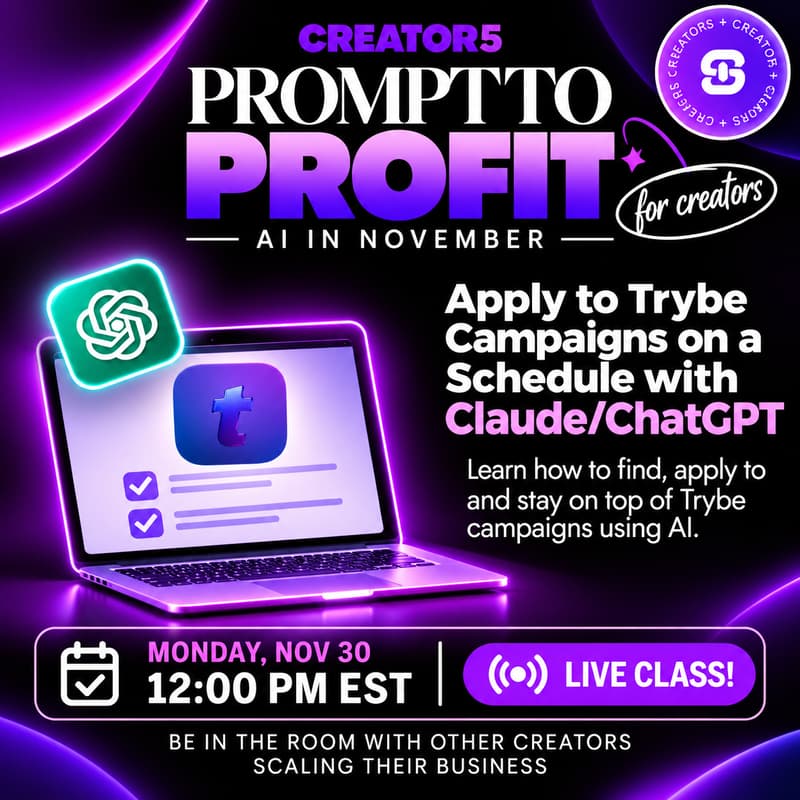

Apply to Trybe Campaigns on a Schedule with Claude/ChatGPT
This is a LIVE class on Zoom. Your Zoom link and event reminders will be sent to you as soon as you register.
Applying to Trybe campaigns and hearing nothing back? Or forgetting to check until the good ones are already gone? In this class taught by James Pugh, a full time Omni-Present Creator, you'll learn how to use Claude or ChatGPT to write stronger Trybe applications, and how to set up a simple schedule so you're applying consistently without it taking over your day.
This training was designed by Pugh.AI in collaboration with CREATOR5.
What we'll cover
What Trybe brands want to see: what makes a campaign application stand out
Write stronger applications with Claude or ChatGPT: tailor each pitch to the brand and the product in minutes
Apply on a schedule: a simple routine for checking and applying to new Trybe campaigns so you never miss the good ones
15-minute breakout room: quiet working time to apply to real Trybe campaigns, right there on the call
Live Q&A: we'll jump back in together for your questions, your prompts, and your "wait, how do I…" moments
We do it together, in real time
This is a 60–90 minute live working session. Toward the end we'll break into a 15-minute breakout room for quiet working time, then come back together for Q&A. That way you're not walking away with one more thing on your to-do list. You're getting it done with us, in real time. This is the power of community.
Want every class this month?
This class is part of Prompt to Profit: AI in November for Creators, a full month of live AI classes for creators. Join CREATOR5 for half off and get access to all of the classes, every replay, and our dedicated AI space inside the community.
Use the code AI for half off your first month.
👉 Join here: joincreator5.com
Ticket options
Non-Member ($27): live class + 30-day access to the replay
CREATOR5 Member: included with your membership. Live class, replay access while your membership is active, and the dedicated AI chat