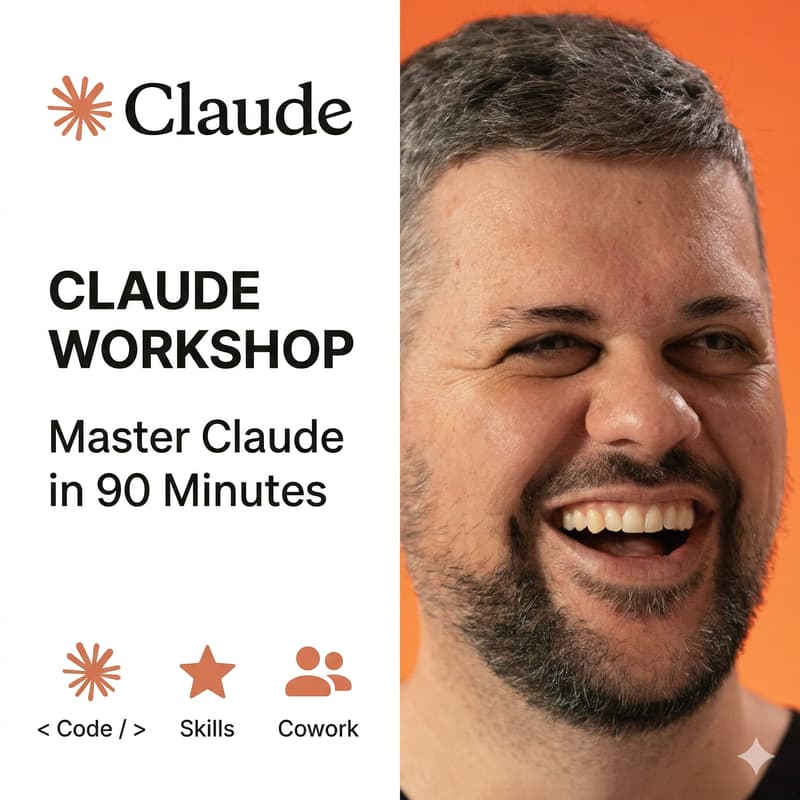
Master Claude in 90 Minutes: Cowork, Skills, and Code (APAC Session)
Can't make this time? There's a 10am AEST session on Wednesday April 15: https://luma.com/cddu4hqv
Most people download Claude, type a vague prompt, get a mediocre result, and close the app.
The difference between that and saving 5-10 hours a week? The setup.
In this 90-minute live workshop, I'll walk you through the three Claude tools that changed how I work: Cowork, Skills, and Code. You'll set them up live, together, and leave with everything configured and running.
What we'll cover:
1) Claude Cowork (20 mins)
The AI agent that works on your computer while you do other things. We'll set up the 4-step framework together: context files, global instructions, plugins, and back prompting. You'll leave with Cowork fully configured and ready to run tasks on your machine.
2) Claude Skills (20 mins)
Simple instruction files that stop you from re-explaining your tone, style, and standards every conversation. We'll build your first 3 skills live: brand voice, meeting notes, and client deliverables. Claude starts behaving like a trained team member, not a blank slate.
3) Claude Code (15 mins)
The command-line tool developers are using to ship 10x faster. Even if you're not a developer, you'll see what it can do and how it connects to Cowork and Skills. Live demo of real workflows.
How all three work together (5 mins)
Cowork for execution. Skills for consistency. Code for building. The full stack in one setup.
4) Live Q&A (25 mins)
Bring your specific questions. Your role, your industry, your use case. This is where the real value lives.
What you'll walk away with:
Claude Cowork fully configured on your machine
Your first 3 Skills built and working
An understanding of Claude Code and when to use it
Templates you can copy for context files, global instructions, and skills
Access to the recording if you need to revisit anything
Who this is for: Founders, operators, marketers, consultants, agency owners, and anyone who wants to stop using AI like a search engine and start using it like a coworker. No coding experience needed. Bring your laptop with Claude Desktop installed.
Before the workshop:
Download Claude Desktop at claude.com/download
Sign up for at least a Pro plan ($20/month)
Have the app open and ready to go
About Jeremy Cabral
Co-founder of Finder (bootstrapped to $100M+ revenue). Growth advisor and AI specialist working with founders to grow their businesses. Building and sharing AI workflows that actually save time.