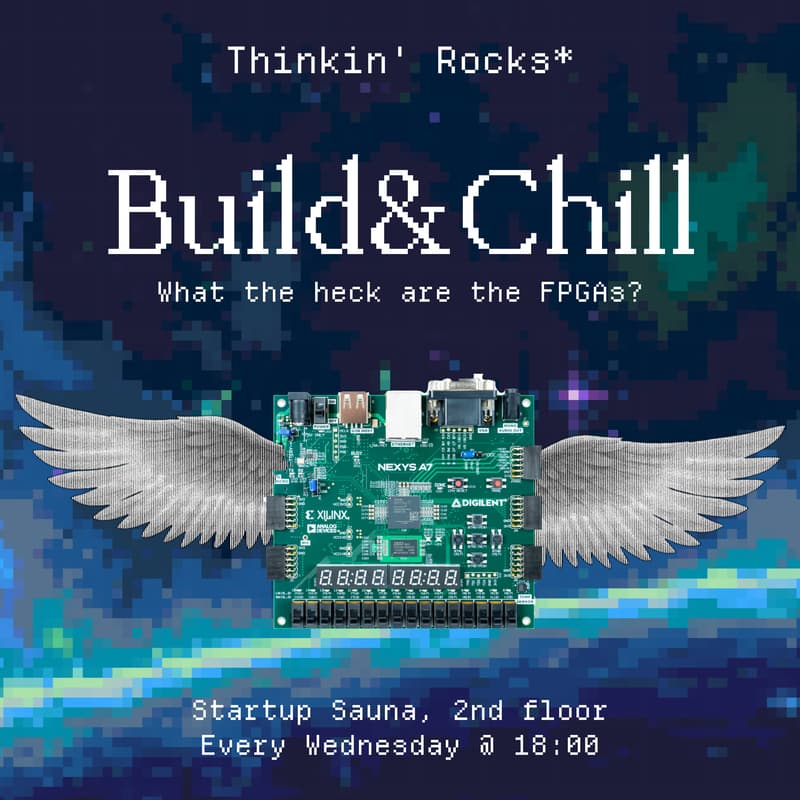

Build & Chill - What the heck are the FPGAs?
Hey! Build sessions are back!
The upcoming session on March 4 will be covering FPGAs! This unique piece of kit offers you the ability to embed logic gates directly onto a chip!
We are also nudging the format, before you can get started we offer you a small opportunity to listen to the use cases for them, how they are programmed and what needs to be taken into account when designing digital circuits. During the session we’ll have a Nandland Go and 3 Nexys A7s for you to play with all running some version of an FPGA hello world.
With FPGAs it can be hard to decide where to get started. They are not a consumer-grade tool like Arduinos so any sorts of task can come at a higher cost in complexity. We picked out some of the things that you can try doing:
1. Displaying VGA Output. All of the FPGAs we have come with a VGA port which means that your experiments can be uniquely visual. Try rendering something simple or filling the screen with a single colour.
2. Compute SHA256. It's a hash function that has a lot of cryptographic applications and is quite expensive to compute. You can try and offloat
3. UART Protocol. Communicating with an FPGA from another device is how one would realistically put data onto it. UART is one of the simplest protocols to transfer data across devices and being able to send numbers to FPGAs for interactive compute.
You might notice that these challenges are quite inter-compatible and that's because they are! Together they make up a single visual and interactive demo of what can be achieve with an FPGA.
But how does one prepare? Good question, anonymous reader. Since the topic is comparatively demanding we strongly recommend you to do some background reading first. Look up what FPGAs are, how they work and what are some basic building blocks. One viable options could be exploring the code samples from HDLBits (links to https://hdlbits.01xz.net/wiki/Main_Page).
If you'd prefer using your own computer during the session we strongly advise installing the requires software in advise, specifically the AMD Vivado dev suit (https://www.amd.com/en/products/software/adaptive-socs-and-fpgas/vivado.html). However, you don't have to do this since our machines will be available to you for experimenting!
If you have any unanswered questions make sure to join our chat, we'll be happy to help! See you on Wednesday!
https://t.me/+rxHNt6GA4-o1NWUy
If you aren't sure how to get to our space, please check video instructions:
https://t.me/thinkinrocks/51