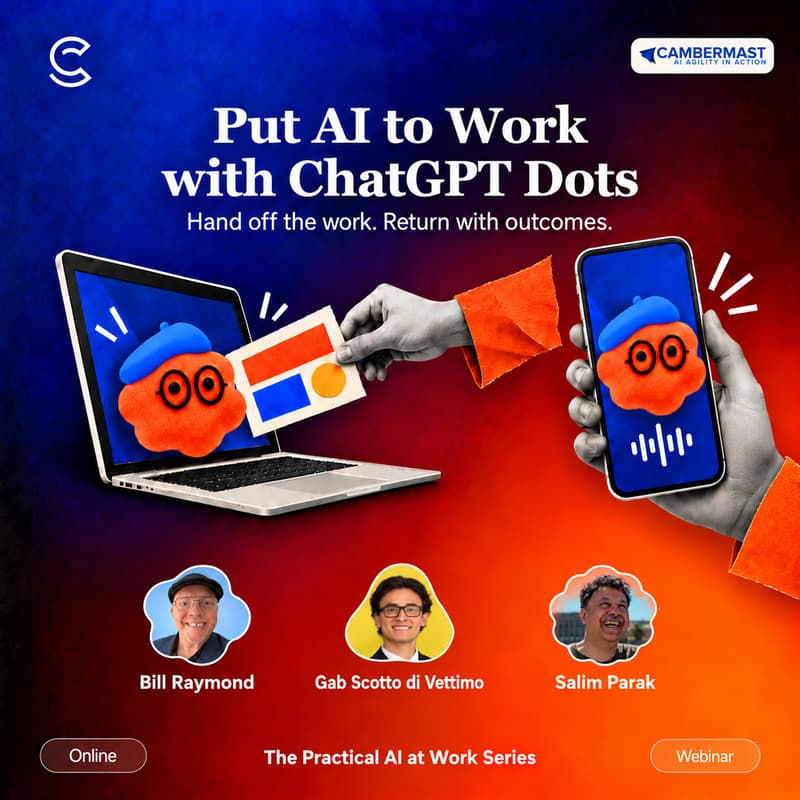

Put AI to Work with ChatGPT Dots
Hand off the work. Return with outcomes.
A ChatGPT Dot has its own cloud computer, keeps working between conversations, and brings you useful information and next steps without waiting for another prompt.
In this beginner-friendly Practical AI at Work session, Bill Raymond demonstrates live how to set up a Dot, give it the right context and review what comes back. No coding experience is needed.
What you’ll see
How to start with a Dot: name it, connect your tools and set its boundaries
Running several conversations with your Dot across different tasks and projects
Handing off a task, stepping away, then coming back to review progress
Calling your Dot and talking through your work
Connecting tools such as email, so your Dot can help across your apps
How a Dot learns your preferences and highlights what matters
Staying in control
We’ll also cover what to share, what to delegate and what to check before you trust a result or approve an action. You’ll see how approvals and boundaries keep you in charge.
Who it's for
Anyone who wants to learn how AI can improve their daily work and reduce friction in completing work.
Dots availability
Dots requires a ChatGPT Pro, Business Premium, or Enterprise license, and some regions may not have access during this training. See this link for more details.
What you’ll leave with
One task you could hand off to a Dot, and a simple way to explain the task, provide context and review the result.
When and where
Wednesday, November 11, 2026, 6–7 p.m. PST. Free online webinar.
Practical AI at Work
One hour. One useful result.
Sponsored by Cambermast.com training and the Bill Talks AI newsletter. In partnership with The AI Collective.