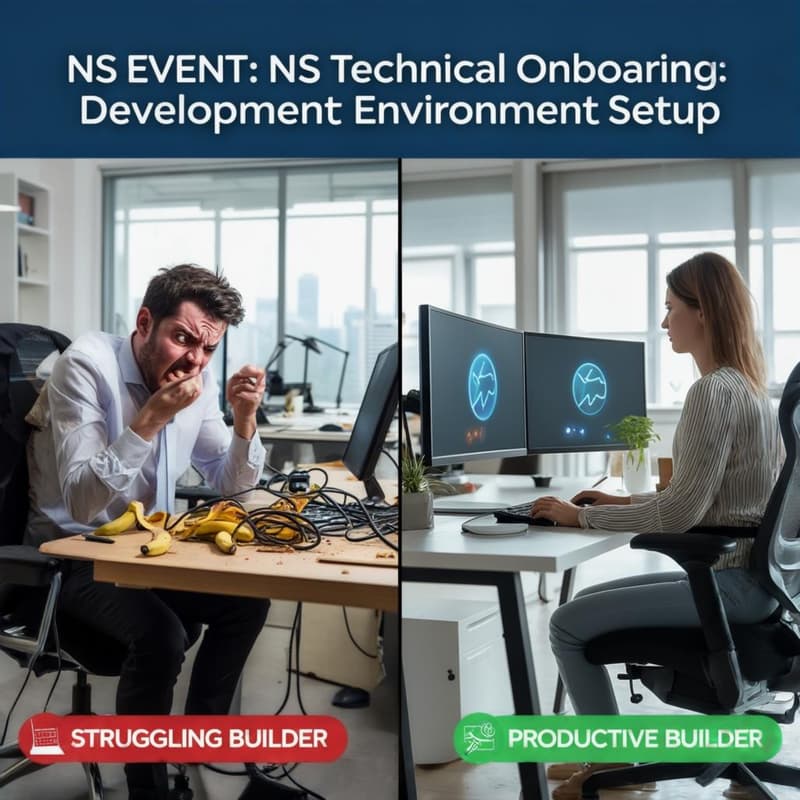
NS Technical Onboarding: Development Environment Setup
You’ve seen the demos. You’ve heard the term "vibe-coding." You’re ready to build your first app or dive into a data project, but you’re stuck at command not found.
Why attend:
Before you can attend the vibe-coding classes, programming workshops and hackathons at Network School, you need a solid setup. This session is designed to bridge the gap between "I want to build" and "My environment is ready."
Schedule:
30 mins (Lecture): A conceptual overview of the essential developer toolkit for 2 common tracks: software development and data science. For those short on time, you can leave after the first 30 minutes and perform the installation yourself later.
30 mins (Assisted Setup): Live troubleshooting and peer-to-peer help to finish the installation.
Who is this for?
Beginners who have never opened a Terminal.
"Vibe-coders" who want to ensure their local environment is stable for AI-assisted building.
Anyone who wants to verify their setup before the heavy-lifting sessions begin.
What to bring: Just your laptop (any Operating System, Mac, Windows, or Linux is fine) and a "can-do" attitude.