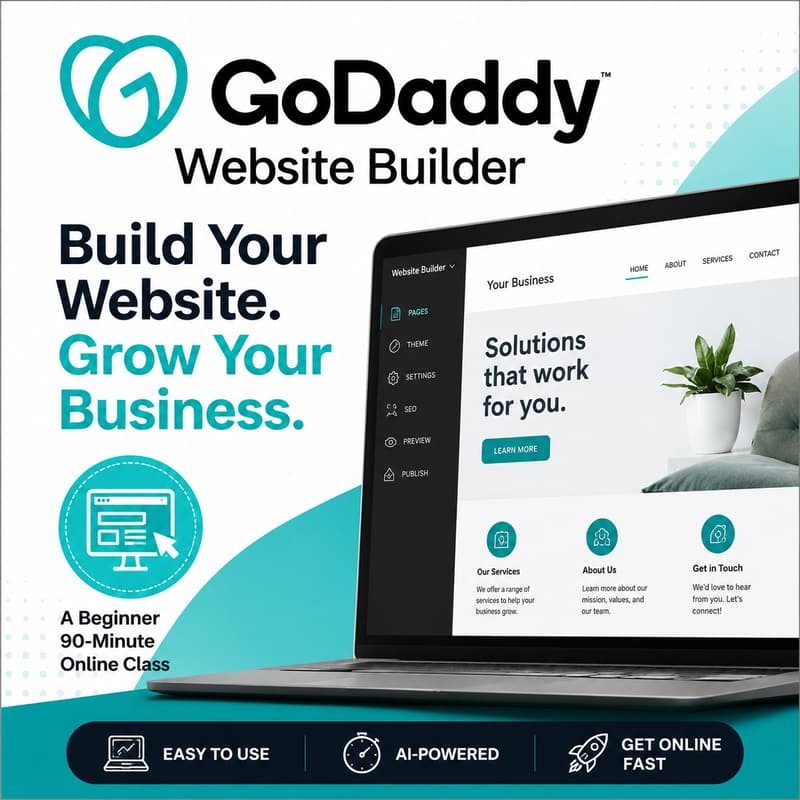
GoDaddy Website Builder 101: Build Your First Business Website
GoDaddy Website Builder 101: Build Your First Business Website
A professional website doesn't have to be difficult or expensive to create. In this beginner-friendly 90-minute workshop, you'll learn how to use GoDaddy Website Builder to create a modern website for your business, organization, or personal brand without needing coding experience.
We'll explore the GoDaddy interface, compare website templates, examine the AI Website Builder, and discuss pricing, hosting, domains, and available features so you can choose the plan that best fits your needs.
During the session, you'll also watch a live demonstration as a website is built from start to finish, giving you practical tips and best practices you can immediately apply to your own site.
Whether you're launching your first website or replacing an outdated one, this class will help you understand what GoDaddy Website Builder can do and how to get your website online quickly and confidently.
In this class you'll learn:
How GoDaddy Website Builder works
How to navigate the dashboard and editing interface
How to use the AI Website Builder to create a website in minutes
How to customize pages, colors, fonts, and images
How to add contact forms, galleries, maps, and social media links
How domains, hosting, and SSL certificates work
The differences between GoDaddy pricing plans and features
Basic SEO and mobile optimization tips
Best practices for publishing and maintaining your website
A live website-building demonstration from start to finish
No prior website experience is required.