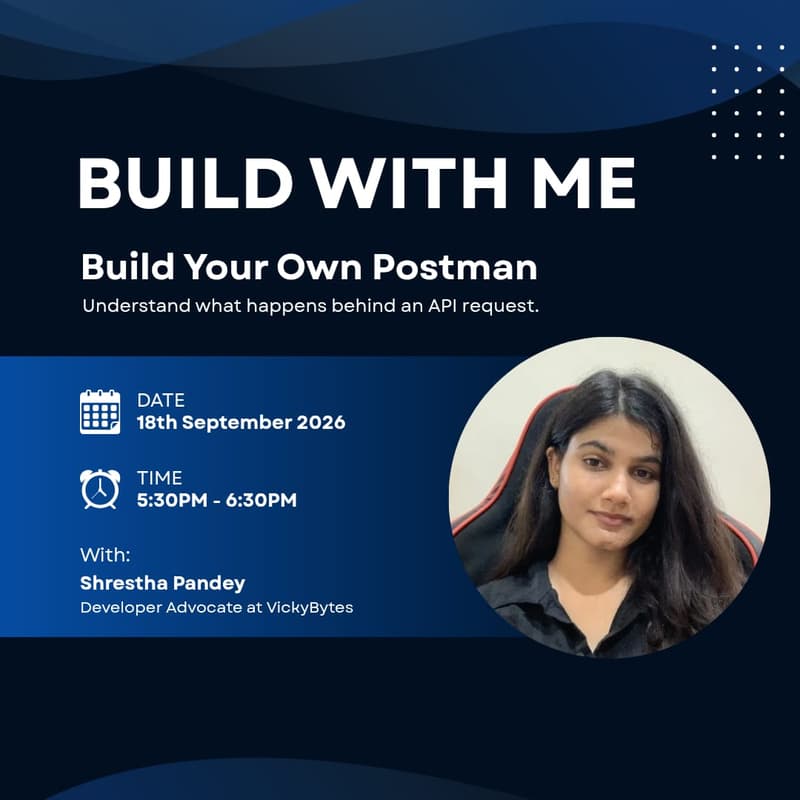

Build With Me: Build Your Own Postman!
Ever used Postman or another API testing tool and wondered what’s actually happening behind the scenes?
In this Build With Me session, we'll build a simple API testing tool ourselves. You'll be able to enter an API URL, choose a method like GET or POST, add headers and request data, send the request, and inspect exactly what comes back.
We'll go through the request flow step by step and understand what happens between the frontend, our backend, and an external API — including headers, request bodies, status codes, JSON responses, and HTTP requests.
What You'll Learn
How an API request and response work
GET and POST requests
Request headers and request bodies
Using fetch() to make HTTP requests
How a frontend communicates with a backend
How a backend forwards requests to an external API
Understanding HTTP status codes
Working with JSON responses
Handling API errors and responses
Who Should Attend?
Developers
Students learning web development
Anyone interested in APIs and how they work behind the scenes
Meet your speaker: Shrestha Pandey
Shrestha is a Developer Advocate at VickyBytes, where she turns complex AI concepts into projects you can build in a weekend. Her technical writing spans GenAI, local LLMs, and developer tooling — from building a GitHub bot that reviews pull requests with a locally running LLM to breaking down how 70B models now run on everyday laptops. At Build With Me, she brings that same build-first energy: no slide marathons, just live code from zero to a working app.