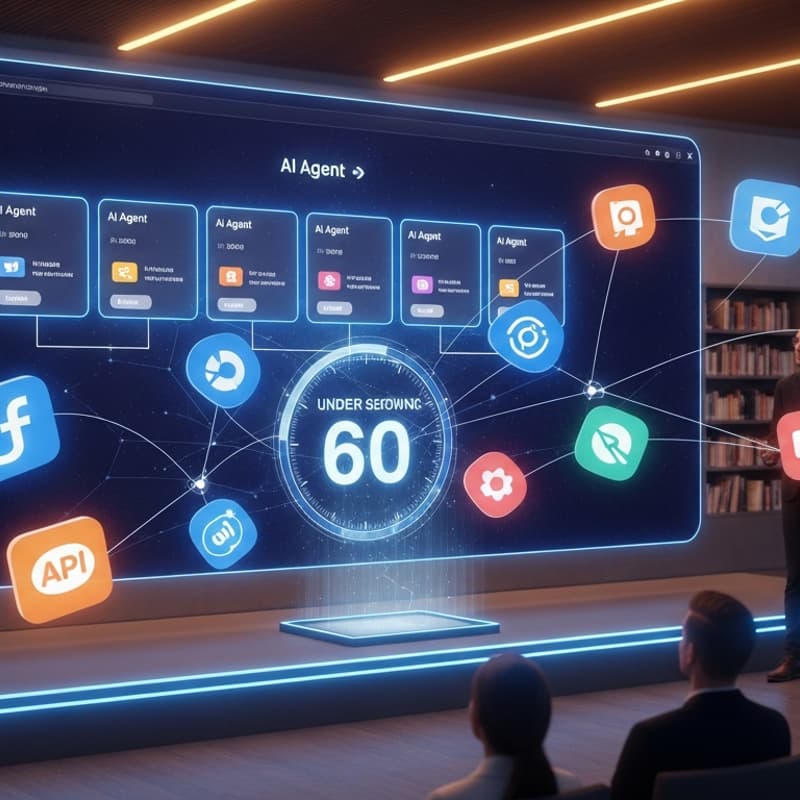

Zero to Agent: Launch OpenClaw on Augmi.world
By the end of this session, you'll have your own AI agent running — connected to your tools, your APIs, and your workflows.
Most people think setting up AI agents takes hours of configuration, terminal commands, and developer experience. It doesn't. In this live demo, we'll go from nothing to a fully operational OpenClaw agent on augmi.world in under a minute — and then show you how to make it actually useful.
You'll see exactly how to connect agents to the skills and APIs you already use, set up social media automation that runs without you, and build the personal AI infrastructure that lets you operate like a team of ten.
Walk in curious. Walk out with agents working for you.
What You'll Learn
Getting Started with augmi.world
Creating your account and first agent
The interface: what everything does
Launching your first OpenClaw agent in under 60 seconds
Connecting to Skills
What skills are available and how to find them
Installing and configuring skills for your agent
Combining skills for powerful workflows
Custom skill creation basics
API Connections
Connecting your agent to external APIs
Common integrations: GitHub, Slack, email, databases
Social Media Automation
Setting up automated posting and scheduling
Content generation pipelines
Multi-platform management from one agent
Engagement monitoring and response automation
Running Your Business with Agents
All-in-one agent setup for founders and solopreneurs
Task delegation and agent orchestration
Monitoring and managing multiple agents
Personal AI Infrastructure
Building your own AI stack
Persistent memory,
Who Should Attend
Founders and solopreneurs who want to automate operations
Developers interested in agent-based workflows
Content creators looking for AI-powered automation
Anyone curious about personal AI infrastructure
People who want to try augmi.world hands-on
Prerequisites
None — this is beginner-friendly
Helpful: A project or workflow you'd like to automate
Helpful: An idea of what APIs or services you want to connect
What to Bring
Laptop (highly recommended for following along)
Ideas for what you want to automate
API keys for services you want to connect (optional) e.g. OpenRouter, Anthropic, OpenAI
Questions about AI agents and automation
Organizers
Konrad Gnat
Network School
Global Builders Club
Support
Donation Wallet: 0xEc8d88CeE837c7efc9243E46Fb35d8A97a6EBdF8
Accepts: USDC, ETH, or similar token
Chains: Ethereum, Base, Polygon, BNB Smart Chain
We run these events for the benefit of the community. Global Builders Club is entirely self-funded — no sponsors, no corporate backing. If this event brings you value, please consider supporting us with a small donation.