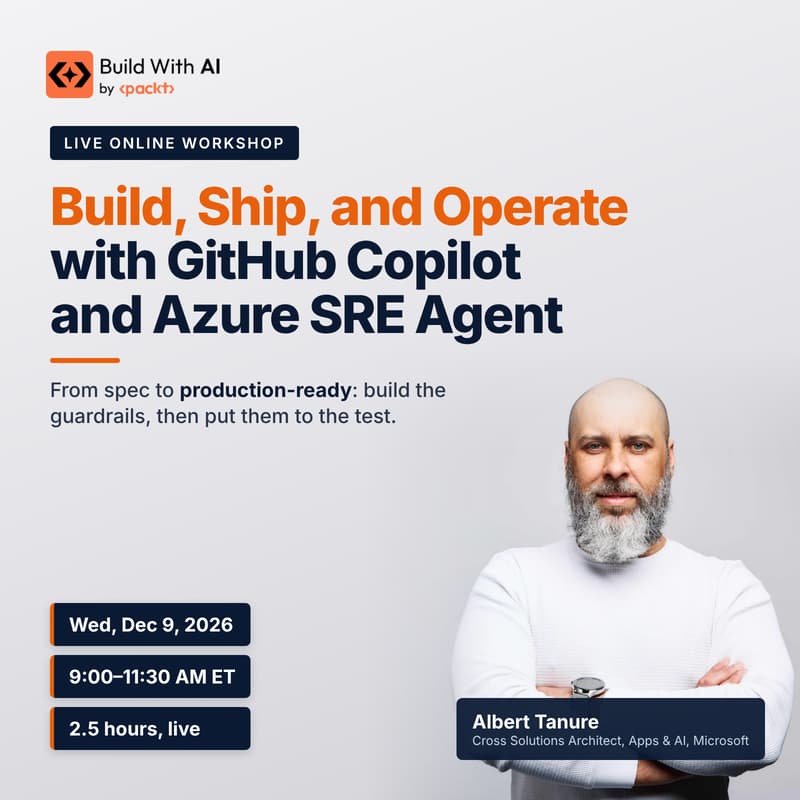

Build, Ship, and Operate with GitHub Copilot and Azure SRE Agent
From spec to production-ready: build the guardrails, then put them to the test with Azure SRE Agent
Most AI coding workshops stop when the feature works locally. This one keeps going.
You’ll follow one feature through its whole life: build it with GitHub Copilot, ship it to Azure, then watch it break in production and fix it. The feature built in the first half becomes the incident debugged in the second.
The idea in one line: don’t just teach Copilot to write code. Build the system around it, so you can trust that code in production.
How the workshop runs
Build. Microsoft architect Albert Tanure builds a complete GitHub Copilot harness inside a real repository: custom instructions, prompt files and a custom “SRE reviewer” agent. He then uses it to implement an “Express orders” feature from a written spec, with tests and structured logging, and has the reviewer check the work before it ships.
Ship. The feature is containerised and deployed to Azure Kubernetes Service (AKS), then verified live in Log Analytics and Grafana.
Operate. Then Albert breaks it three ways:
A new version gets OOMKilled
Every dashboard stays green while orders fail
A database failure cascades through the system
Azure SRE Agent traces each failure back to the responsible code. Then you decide which fixes an agent may apply alone and which need a human.
By the end, you’ll be able to
Build a Copilot harness that makes generated code follow your team’s standards
Create a reviewer agent that checks Copilot’s work before it ships
Take a feature from spec to working code with tests and logging, without rewriting Copilot’s output by hand
Deploy a containerised service to AKS and verify it with Log Analytics and Grafana
Use Azure SRE Agent to find the root cause of production failures in the code
Set clear boundaries for what agents can do alone, and keep agent costs under control
Who this is for
Developers using GitHub Copilot who want consistent, reviewable output
Tech leads and engineering managers rolling Copilot out across a team
Platform engineers and SREs exploring AI for incident response
Anyone who has seen Copilot write code that looked right but failed in review or production
Prerequisites
A GitHub account with Copilot access
Basic familiarity with Git and containers
An Azure subscription is optional: everything is in the public repo to replay later
Workshop flow
Set up. The build, ship, operate model, plus the app and Azure environment deployed with one command.
Build the harness. Why unguided AI code fails in real repositories. Repository-wide and path-specific instructions, prompt files and custom agents. Create the “SRE reviewer” agent and refine the spec.
Build the feature. “Express orders” from spec in Copilot agent mode, with tests, structured logging and an SRE review before pushing.
Ship. Build the container image in Azure Container Registry, deploy it to AKS, and verify it live.
Operate. Three live incidents with Azure SRE Agent, each traced to its root cause.
Make it yours. The harness template, runbooks and health checks; automation versus human approval; and cost control.
Live Q&A with Albert. Bring questions about your own services, or ask in the chat at any point.
You leave with
A reusable GitHub Copilot harness template and the “SRE reviewer” agent
A public GitHub repo with the full lab, infrastructure and all three break scenarios
Runbook and prompt examples for Azure SRE Agent
A checklist for adapting the workflow to your own services
The recording, a replay guide and a certificate of completion