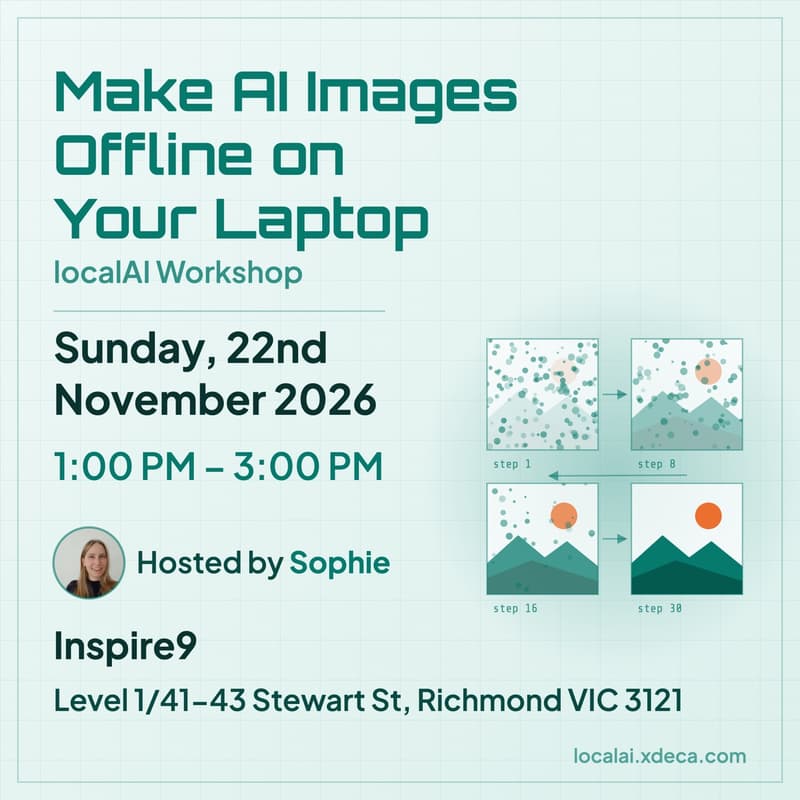

Make AI Images Offline on Your Laptop / localAI Workshop
Make images on your own laptop with open models, no subscription and nothing sent to the cloud. A hands-on Sunday afternoon at Inspire9's AI Labs in Richmond.
You don't need a data centre to generate images, and you don't need a Mac either: the laptop you already have will do. In this hands-on workshop you'll set up open source tools and generate images on your own laptop, offline, with nothing leaving your machine.
We'll bring USB sticks with models preloaded for different machines, so nobody waits on a 10 GB download over venue wifi. While your images render, we'll look at what's happening under the hood: how a diffusion model turns noise into a picture one step at a time, why fast images look worse than slow ones, and how to pick a model your hardware can handle.
How to prepare
Think of a few images you'd like to make. That's it: the workshop is beginner friendly, so there's nothing else to prepare.
What to bring
A laptop, either a Linux or Windows machine with 16 GB of RAM or more (a graphics card helps, but isn't required), or a Mac with Apple Silicon (M1 or newer)
Your charger
What we'll cover
Your first image: installing ComfyUI or Draw Things and generating an image
The settings: what steps, seeds and prompts actually do
Fast vs slow: the same seed at 4 steps and at 30 steps, side by side
Your hardware: picking the right model for your machine
Schedule
1:00 PM: Welcome and chit-chat
1:30 PM: Intro, acknowledgements and our sponsor
1:45 PM: Workshop
2:30 PM: Closing remarks
2:30 to 3:00 PM: Free roam: keep asking questions, network, or keep debugging
About the speaker
Sophie organises the localAI community, with catchups in Melbourne and Canberra. Sophie is part of the Linux user group scene and spends a lot of time running self-hosted, open source infrastructure for local communities and businesses.
Thanks to our venue sponsor Inspire9, Melbourne's original coworking space and a longstanding supporter of social enterprise and tech community.
More about localAI: localai.xdeca.com