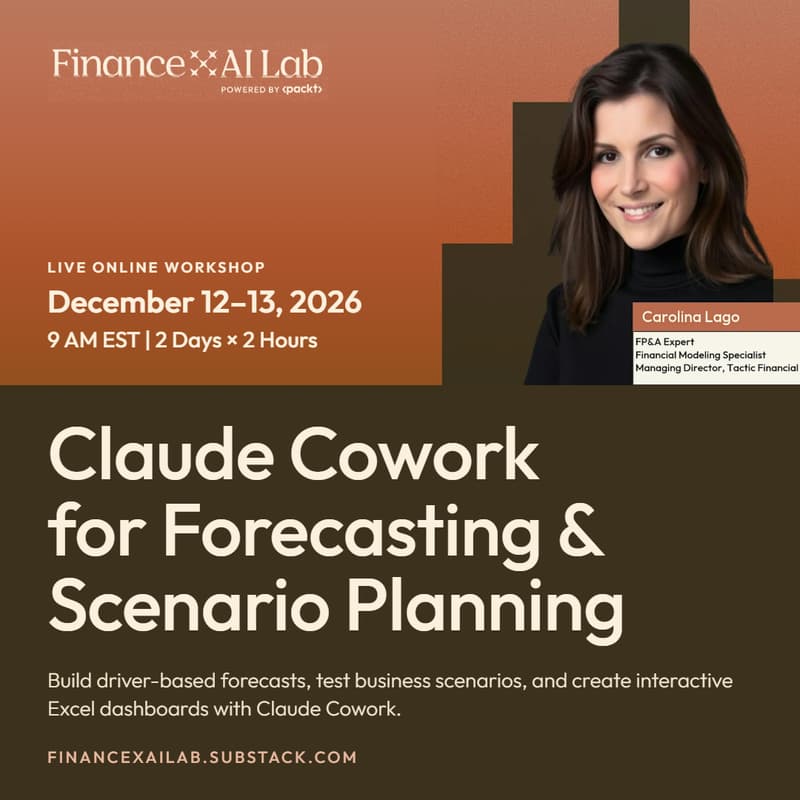

Claude Cowork for Forecasting & Scenario Planning
Overview
Go from historical financial data to driver-based forecasts, tested business scenarios, & an interactive Excel dashboard using Claude Cowork
What if you could turn historical financial data into a driver-based forecast, test multiple business scenarios, and generate an Excel dashboard—all through a structured AI-powered workflow?
Join FP&A expert Carolina Lago for a practical, hands-on workshop on Forecasting & Scenario Planning with Claude.
Across two live sessions, you'll work with a realistic case company and use a ready-made Claude Cowork plugin to move through the complete forecasting process—from analyzing historical actuals and identifying business drivers to building a baseline forecast, testing scenarios, and generating a CFO-ready readout.
Rather than building an AI workflow from scratch, you'll install and run a prebuilt workflow alongside the instructor, make important forecasting decisions, and see how those decisions influence the final results.
You'll also learn how to combine reliable calculations, AI-driven analysis, and human financial judgment to create forecasting workflows you can trust.
By the end of the workshop, you'll have a working forecasting plugin, an Excel forecasting model, a scenario dashboard, and a practical understanding of how to adapt the workflow to your own FP&A processes.
Know your instructor
Carolina Lago
Corporate Trainer | FP&A & Financial Modeling Specialist
Carolina has 20+ years of FP&A experience. She works with finance professionals to improve budgeting, forecasting, and financial analysis using modern tools and AI-driven workflows. Her focus is on helping FP&A teams build practical systems that enhance efficiency and decision-making.
What You'll Learn
Build driver-based financial forecasts: Analyze historical actuals, identify key business drivers, and develop a baseline forecast using Claude.
Automate forecasting workflows with Claude Cowork: Run a ready-made plugin that connects financial analysis, forecasting, scenario planning, and reporting.
Develop and test business scenarios: Explore changes in business drivers, select meaningful scenarios, and evaluate their financial impact.
Generate an Excel forecasting model and dashboard: Create a structured financial model and visual scenario dashboard directly on your computer.
Apply human judgment to AI-generated forecasts: Review assumptions, challenge AI recommendations, and approve key decisions.
Translate scenarios into financial insights: Identify high-impact drivers, break-even points, early warning indicators, and management-ready conclusions.
Understand how to adapt the workflow: Learn which components can be customized for your organization and which calculations should remain consistent.
A Hands-On Workshop, Not Just a Demonstration
This workshop is designed around one complete forecasting case, allowing you to experience the process from beginning to end.
Day 1 — Build and Run
You'll see the finished forecasting dashboard, understand how the workflow operates, install the Claude Cowork plugin alongside Carolina, and work through historical actuals, driver selection, and baseline forecasting.
You'll also begin generating business scenarios and learn how to evaluate them.
Between Sessions — Apply What You've Learned
After Day 1, you'll complete approximately 45 minutes of independent practice using the same case company.
You'll:
Choose scenarios using the workflow's scenario simulator.
Run the selected scenarios and review their financial impact.
Evaluate the results and sign off on your scenario readout.
Record which forecast drivers and scenarios you selected, why you chose them, and what your dashboard reveals.
A one-page exercise guide will help you capture your observations and prepare for Day 2.
Day 2 — Compare, Challenge, and Improve
You'll compare your results with Carolina's own forecasting run, explore how different assumptions lead to different outcomes, and learn to interpret scenarios from an FP&A perspective.
The session will also cover how to critically review AI-generated conclusions and what to consider when adapting the workflow to your company's financial data and forecasting processes.
Optional support: Carolina will offer up to 30 additional minutes after Day 1 for participants who need help with setup or troubleshooting.
What You'll Walk Away With
This workshop goes beyond concepts and demonstrations. You'll leave with practical resources and outputs created during the sessions.
Claude Cowork forecasting and scenario-planning plugin — Installed and working on your computer.
Excel forecasting model and scenario dashboard — Generated using the workshop's case company and workflow.
Scenario analysis and readout — Your own results, along with Carolina's completed reference version.
End-to-end workflow map — Understand every stage, including fixed calculations, AI-driven decisions, and human approval points.
Workflow adaptation guidance — Learn what to modify and what to keep consistent when applying the process to your own FP&A work.
Who Should Attend?
This workshop is designed for finance professionals who want to move beyond basic AI prompting and apply Claude to practical financial planning and analysis.
Ideal for:
FP&A analysts and senior financial analysts
FP&A managers and finance business partners
Finance managers and controllers
Financial forecasting and planning professionals
Finance transformation professionals exploring AI-powered workflows
Experience level: Intermediate. Familiarity with Excel, financial forecasting, and core FP&A concepts is recommended.
No programming experience is required.
Upskilling a team rather than just yourself?
Explore group seats, private workshops, and tailored training programmes with Packt.
Prerequisites
To follow along with the hands-on exercises, you'll need:
A paid Claude plan with access to Claude Cowork (Pro or Max).
The Claude desktop application, installed and signed in.
Microsoft Excel.
A computer suitable for running the workshop exercises.
No Claude Code, terminal, Python installation, or coding knowledge required.
You'll receive a short setup check before the workshop. The plugin and case files will be shared during Day 1, and Carolina will guide you through the installation.
Why Attend?
Most AI demonstrations show what a tool can produce. This workshop focuses on understanding how to use AI responsibly throughout an actual FP&A forecasting process.
You'll see how historical data becomes a forecast, how assumptions shape scenarios, and how financial judgment determines which results are useful for business decisions.
Rather than simply accepting AI-generated numbers, you'll learn to question assumptions, evaluate scenario outcomes, and distinguish reliable calculations from AI recommendations.
Join Carolina Lago and experience a complete AI-powered forecasting workflow—from historical actuals to a management-ready Excel dashboard.