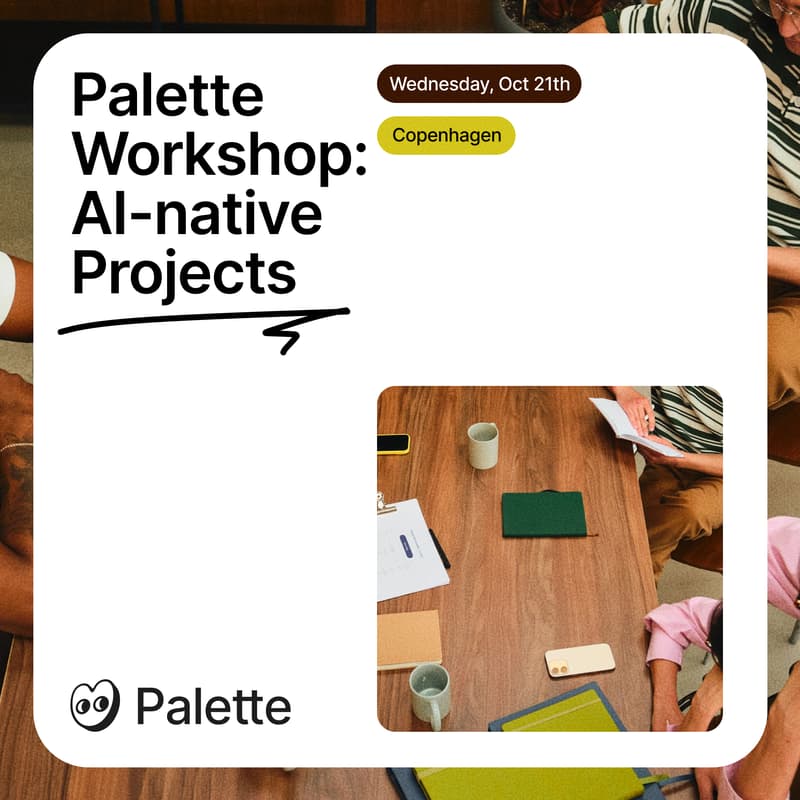

Palette Workshop: Running AI-native projects
Join us for a breakfast workshop at our office.
This is a hands-on workshop for agency people who run multiple client projects. You bring one real project. You leave with a workspace in Palette Desktop that you, your colleagues, and all your agents can actually work in.
For the first 30 minutes, you listen. Brian shows how project context works: what your AI needs to know about a client, and where that lives. Luca shows a few use cases from everyday agency work to inspire you.
For the next 75 minutes, you build. You set up a workspace for one of your own client projects, in files your team owns. We sit next to you while you do it.
The morning
9:00 Coffee & breakfast
9:15 Introduction to Palette Desktop
9:30 Use cases from agency work
9:45 Set up your own workspace
11:00 Wrap up
What to bring
A laptop with Palette Desktop installed: https://palette.team/desktop
One real client project, and whatever context you already have on it (a brief, meeting notes, a proposal, ...)
Note: For now, Mac users only. Windows will follow soon.
Feel free to bring a colleague. Palette works best when the whole team shares the same context. Just ask everyone to register too, so we have enough coffee.