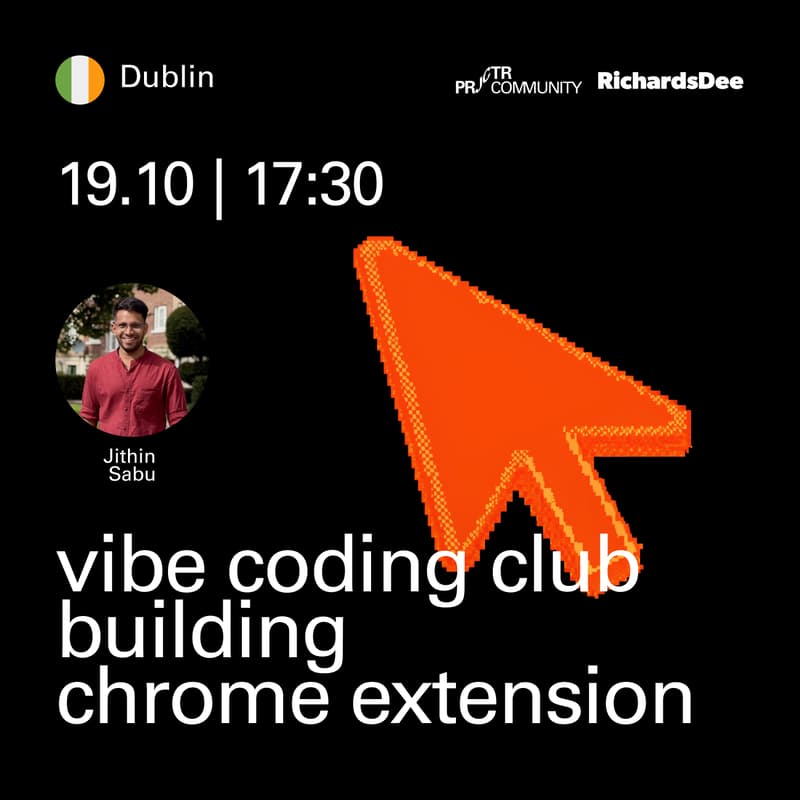

Dublin. Vibe Coding Club: Building chrome extension
This is organised by Projector Community ambassadors (by Projector Institute) and RichardsDee studio.
Most people have a list of things they wish existed. A tool that would fix an annoying part of their day. Something they would use every week. Almost nobody builds them, because building has always meant hiring someone or learning to code first.
That is no longer true, and this session is an evening of proving it rather than arguing about it.
We are using Chrome extensions as the example. They are the quickest way to get from nothing to something running: no server, no deployment, no app store. And what you build lives inside the browser you already have open all day, so you will actually use it.
Short talk, then a live walkthrough where I build something small in front of you. After that you get a starter project and build your own idea.
Who is it for
People who have ideas and assume building them is someone else's job.
No coding experience needed. If you can install an app and edit a document, you have enough. Designers, product people, marketers, founders, anyone curious about what these tools actually do. If you already write code you will move faster, but the session is not built around you.
What will you get at the end
A Chrome extension you designed yourself, installed in your browser, working, and yours to keep using.
A way of working with AI coding tools that you can repeat on your own. This is the part that carries over to anything else you want to make.
The starter project and setup files, to reuse on your next idea.
An honest sense of what building takes now. For most people this is the part that sticks.
What you need to bring
A laptop, Mac or Windows.
Chrome. Edge, Brave and Arc also work.
Any AI IDE (Cursor, Codex, Claude Code, etc) installed and signed in. A paid plan is not necessary.
Session flow
10 mins, meet and greet
15 mins, talk
15 mins, setup, everyone gets the starter running
30 mins, live walkthrough, I build something small and you learn the loop
10 mins, break
50 mins, build your own thing
15 mins, show and tell
5 mins, closing
About speaker
Jithin designs products and builds them. He recently finished an MSc in Design Innovation at Maynooth University.
He maintains Purge, a free open source Mac app for clearing caches, which he builds and ships solo. He also made Save and Resume, a Chrome extension for YouTube that remembers where you stopped watching.
What interests him is the line between designing something and making it, and how much of that line has disappeared in the last two years.