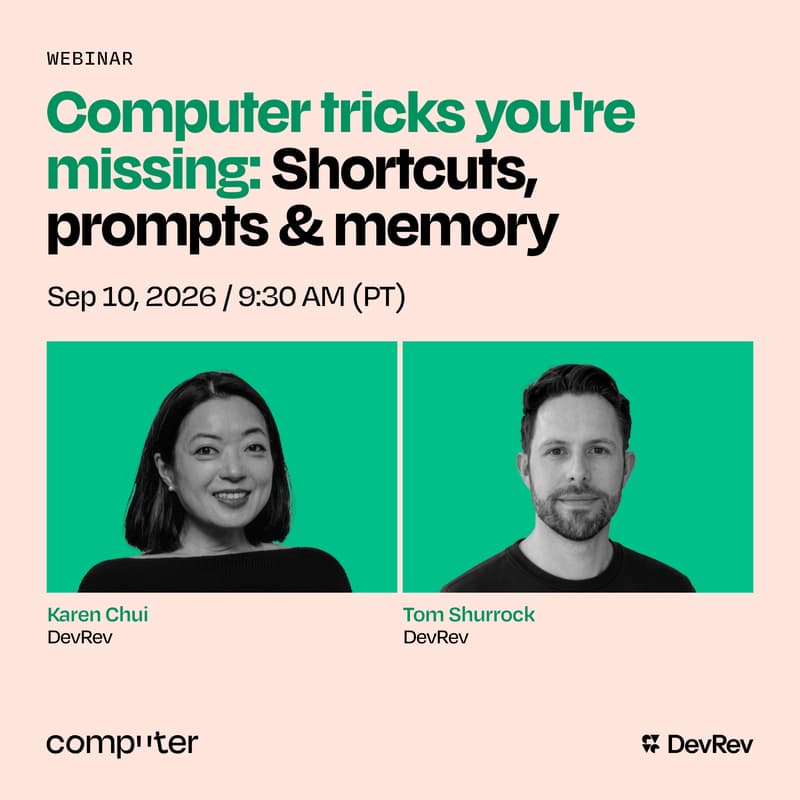
Computer tricks you're missing: Shortcuts, prompts & memory
Most people know the side of Computer that gives trusted answers and takes meaningful action with a real understanding of your business. The key to unlocking these powerful traits on a regular basis lies in a few small tricks. They enhance how you interact with Computer, helping you get more out of it and making it more personal, effective, and useful.
This session is a practical, live walkthrough of the everyday habits that help Computer work better for you. Karen and Tom will move beyond broad AI theory to show the shortcuts, reusable prompts, and memory settings that reduce repeat work, preserve useful context, and make it easier to stay in flow.
The focus is not on learning a new, complicated workflow. It is on making small changes that compound: getting to Computer faster, giving it clearer guidance once instead of repeating yourself, and helping it retain the context that makes its answers and actions more relevant over time. Through real-world examples and live demonstrations, you will see how to turn Computer from something you use occasionally into a teammate that increasingly understands how you work.
What you'll take away:
How to leverage shortcuts to get to useful work faster and reduce repetitive setup.
Which prompts are worth saving and reusing, and how to structure them for consistently stronger output.
How to help Computer retain the context that matters across conversations and projects.
What other simple changes to try immediately to save time and get more value from Computer every day.