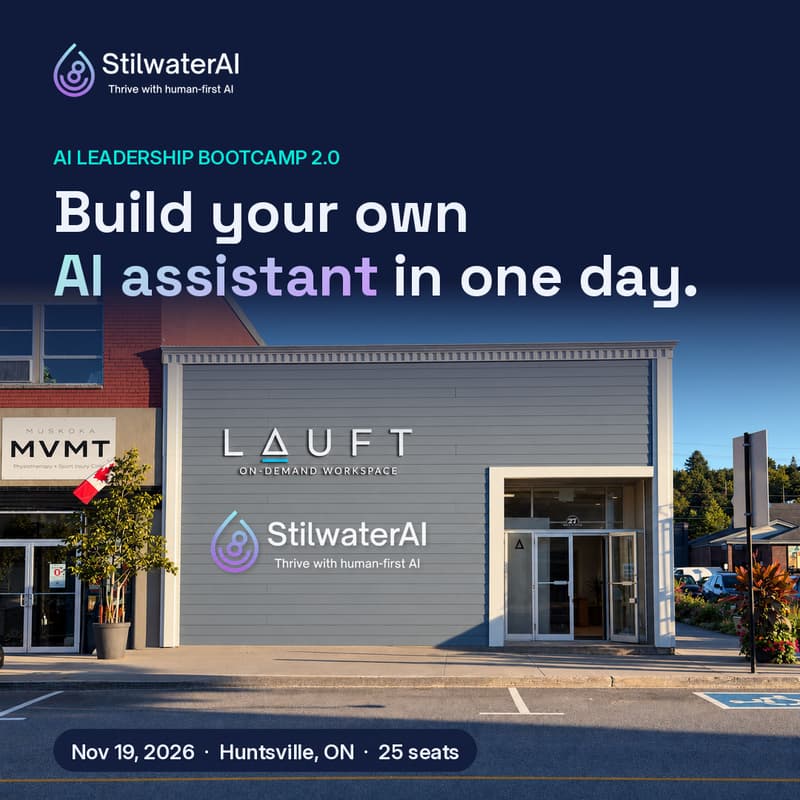

AI Leadership Bootcamp 2.0: Build Your Own AI Assistant
One day. 25 seats. You walk out with your own working AI assistant.
Most business leaders have tried AI. Few have made it part of how their business actually runs. This hands-on bootcamp closes that gap.
In the morning, we cut through the hype and get practical: what AI can really do for your business, how to get reliably great results from it, and how to ground it in your own knowledge and documents. In the afternoon, you build. Working alongside StilwaterAI’s team, you’ll create an AI assistant designed around a real task in your business, test it, and leave with it running.
We build with Claude on the day. Everything you learn carries over to ChatGPT, Gemini and Copilot, so the skills stay yours whatever tool your team uses.
This is our second AI Leadership Bootcamp, rebuilt from the ground up. The first one taught leaders about AI. This one has you building with it.
You’ll leave with:
Your own working AI assistant, built around a real task from your business
The StilwaterAI Assistant Builder project, so you can keep building more assistants after the day
Our STIL prompting framework, for getting reliably better results from any AI tool
A practical way to decide what to automate first in your business
FindMeAI, a tool that shows how visible your business is to AI search, with an action plan to get found
Your facilitators
Jason Hurlbut, Founder and Chief DreamWeaver of StilwaterAI, and Aaron Key, DreamForge Catalyst (and creator of the STIL prompt) of StilwaterAI. Between them, they’ve helped leaders across Ontario adopt AI, and they build AI assistants for clients every week.
The details
Lunch, coffee and an afternoon break are included
Free parking, high-speed internet and a second monitor at most seats
A short walk from downtown Huntsville’s restaurants and coffee shops
Limited to 25 people, so everyone gets hands-on help
8:30 Doors open, coffee
9:00 Welcome: why AI, why now, and what’s changed since 1.0
9:20 AI in plain business terms
10:00 Prompting with purpose: the STIL framework, hands-on
10:45 Break
11:00 Grounding AI in your business: your knowledge, your documents
11:45 Opportunities, risks and responsible use
12:15 Lunch
1:00 Choosing what to automate first: pick your assistant
1:30 Build lab: building your assistant with Claude
3:00 Break
3:15 Build lab: test, refine and show the room
4:00 From assistant to agent, Q&A
4:30 Wrap
FAQ
Do I need technical skills? No. If you can write an email, you can build an assistant. We’ll walk you through every step.
What should I bring? A laptop and charger. We’ll email a short setup guide a week before so you’re ready to build from the first minute.
Which AI tool do I need? We build with Claude on the day, and everything we teach works in ChatGPT, Gemini and Copilot. The setup guide covers which account to have ready.
Can I bring a colleague? Yes, and teams get more out of it. Each person needs their own seat.
Will I get a receipt for expensing? Yes. Luma emails a receipt showing HST.
What’s the refund policy? Full refund until November 12. After that, you can transfer your seat to a colleague at no charge.