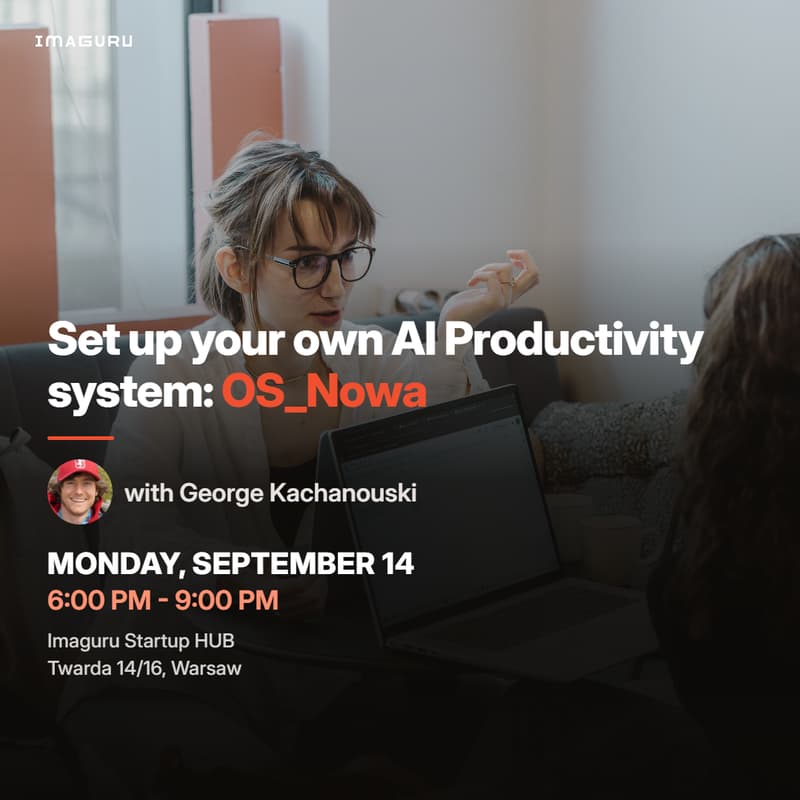

OS_Nowa Workshop
Set up your own AI Productivity system: OS_Nowa.
Begin to manage AI agents!
Come to our Workshop and set up OS_Nowa, your own personal productivity system.
What is OS_Nowa?
A folder of .MD text files on your own computer, organised in a way for AI agent to operate in it.
It knows who you are, what you are working on and where things belong.
You dont need to remember each chat, you just work from your own AIOS. It is not a replacement for Windows or macOS. It's just a system to store and compound your context and your way of doing your work.
I built it for myself first and I give it away free, as an open source project.
At the workshop we install it on your computer and set it up with you.
Who is providing it?
It Entrepreneur George Kachanouski.
Between 2018 and 2025 he built B2B SaaS Startup ScootAPI and sold it to a cometitor Atom Mobility.
ScootAPI was one of the top four sharing-software platforms in the world.
Why George is doing this? What's in it for him?
He need the experience. He is studuing an AI, and he want to see how real people use it on their own work, not how it looks in a demo.
OS_Nowa is the second generation of George's personal AIOS, which he built in July 2026 over a seven-day sprint in the mountains.
He built it for himself, then realised anyone with a computer and an AI subscription could use it.
That is why the workshop is free, and why he will be asking what did not work. Where you get stuck is exactly what he came for.
Why do you need it?
Because companies in Poland are going through an AI transformation, and they need people who already work with AI.
After this workshop you will be able to say concrete things in an interview: "I have my own system for working with AI agents, I set it up myself, this is how it works and this is what I keep in it."
Think of it as a free professional development course that leaves you with a working system.
What you take home
A configured AIOS with your own content in it: your profile, three priorities, your first subject area, your first logged decision, and one open task for tomorrow.
And an understanding of how it works. Which in a long run is the most valuable asset.
Plan:
18:00 - arrival, we check that everything installed
18:10 - why AIOS matters
18:25 - a live demo of OS_Nowa
18:45 - we install OS_Nowa on your computers
19:15 - you set it up for you
19:45 - questions about OS_Nowa
20:00 - end. If you did not finish, we stay until 21:00 to fix issues.
What to bring
1. A laptop. Windows 10 or newer, macOS 13 or newer, or Linux. At least 4 GB of RAM. Phones and tablets will not work.
2. A paid subscription, Claude or ChatGPT or Gemini, your choice. OS_Nowa works with both Claude Code and Codex and other Agent systems.
- Claude: Pro plan or higher
- ChatGPT: a paid plan, Go, Plus or Pro
One of the two is enough.
Please note: the system will not run on free accounts. Subscribe before the workshop, not at it.
3. Your agent already installed. Five minutes, one command:
- Windows, in PowerShell: irm https://claude.ai/install.ps1 | iex
- macOS Linux: curl -fsSL https://claude.aiinstall.sh | bash
To check it worked, run claude --version and it prints a version number. If not, write in the participants chat and we will fix it before the workshop.
4. A browser without a hundred open tabs. Close what you do not need: we move fast, and an overloaded browser eats memory. On a 4 GB laptop that is the difference between keeping up with us and not.
5. Your charger.
In case you already familiar with AI Agents, you can also do it yourself.
OS_Nowa is on GitHub, open to anyone. Install it from the README, no permission needed.
Come along if you would rather do it together and understand how it works while you do.