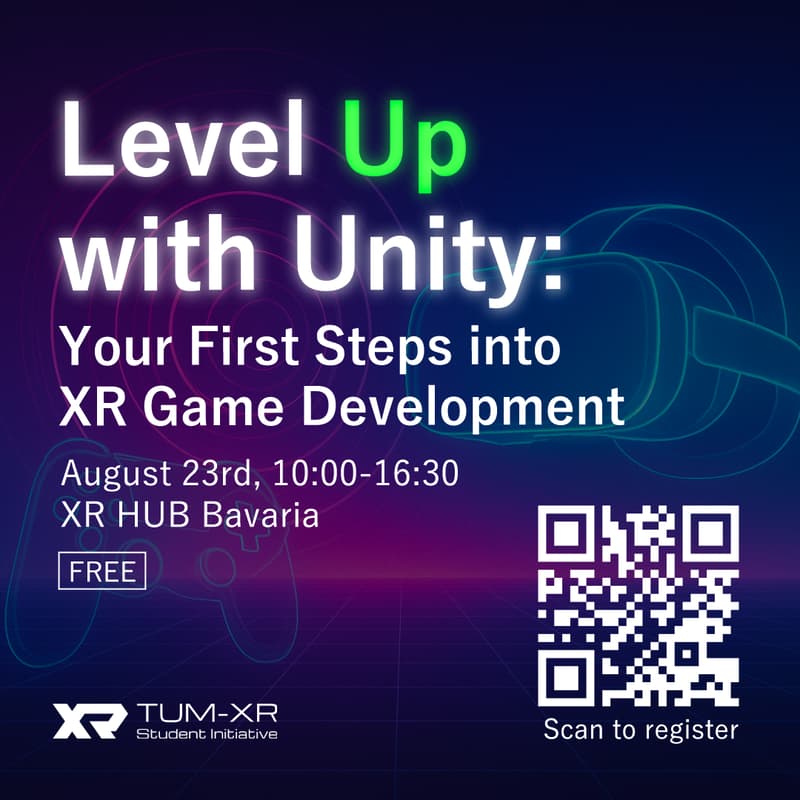

Level Up with Unity: Your First Steps into XR Game Development
This is a one-day Unity XR introductory workshop designed for beginners and creators, hosted by TUM-XR: Student Initiative. From scratch, you’ll build a playable VR basketball mini-game (including physics, UI, and interactive elements) and test it live on VR headsets provided on site.
The workshop combines clear theoretical explanations with guided hands-on practice, keeping coding minimal so you can focus on creativity and gameplay design. In the afternoon, join our Brainstorming & Mingle session to share your work and exchange ideas with other participants.
You will learn:
Unity + XR interaction fundamentals (project structure, input handling, scenes, and prefabs)
VR physics interactions (throwing/trajectory, colliders, rigidbodies, scoring logic)
Mini-game loop design (start/pause/reset, scoring UI, simple levels, and feedback)
On-device testing and iteration (Meta Quest Link setup, common debugging techniques)
Team collaboration and showcasing (live playtesting and feedback)
Who should attend:
XR beginners, game developers, interaction/product designers, and anyone who wants to create a playable VR prototype in just one day — no deep programming background required.
Schedule
10:00 – 13:00 Unity XR Development Basics (with 2–3 short breaks)
13:00 – 13:30 Lunch / Break
13:30 – 16:30+ Brainstorming & Mingle (open networking, optional project showcase)
Lecturers & Assistants
Lecturers: Joel Christlein, Mohamed Mansuri
Assistants: Ayuko Onoue, Benedikt Geiger, Ankur Deria
(Workshop will be conducted in English.)
Before the Workshop
Please have the following installed:
Unity Editor (version: Unity 6.1 [6000.1.8f1])
VS Code
Blender
Meta Quest Link / Developer Mode (if applicable)
Clone this repo: TUM-XR/Unity-VR-Template
Recommended:
Create an empty Unity project and make sure you can run a sample scene
Keep 15–20 GB of free disk space
What to Bring
Laptop with Unity installed + charger
Mouse (strongly recommended)
Water/snacks (short breaks will be provided)
Your own VR headset (optional)
VR headsets will be available on site (approx. 1 per 2–3 participants).
Registration Notes
Limited seats; priority given to TUM-XR members
Please cancel your RSVP if you cannot attend
Arrive by 09:45 for check-in and setup
FAQ
Q: Do I need programming experience?
A: No. The focus will be on creativity and interactive design, with minimal coding.
Q: What’s the language of instruction?
A: English.
Q: Do I need to bring my own VR headset?
A: Not required, shared headsets will be provided.
Q: How will lunch be arranged?
A: Free time, there are many options nearby, or you can bring your own.
Q: Will I receive the sample project?
A: Yes, we’ll provide key templates and code snippets for later reference.
Declaration
By registering for this workshop, you agree that photos and/or videos of the event, which may include you, may be taken and used for TUM-XR community promotion purposes.