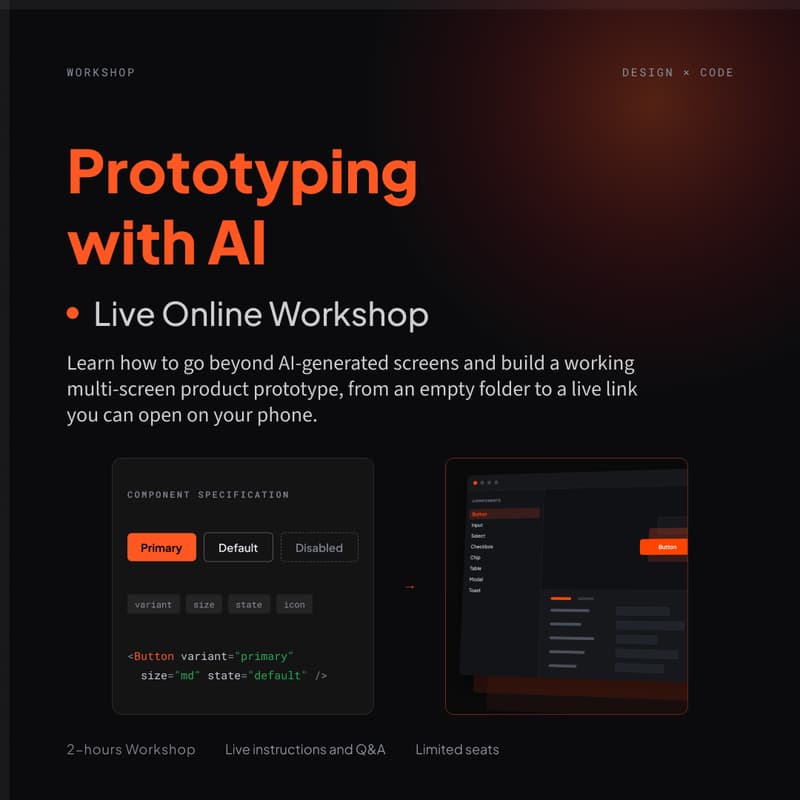

Workshop #1: Prototyping with AI
Build a working product prototype.
In two hours, you go from a single sentence to a connected product prototype with multiple screens, a working user interface with states and microinteractions, and realistic data.
Published to your own GitHub and a live, shareable link.
Every participant builds the same product with saved checkpoints at every stage.
Tools and a paid AI plan are required.
No coding required.
Build your own product in 2 hours.
You can ask AI for a screen, and it will give you one. That's the first level, and it's where almost everyone stops.
But a screen can only tell you whether a layout holds.
It can't tell you whether the product makes sense. Whether the flow survives five screens. What the interface does when the list is empty, when the filter matches nothing, or when the request fails.
During the 2-hour working session, you will learn how to close the gap.
The steps:
Start with one sentence describing a product.
Then turn it into a brief.
Review a set of generated layouts and then build the real product shell with navigation, connected screens, and five genuine interface states, with realistic demo data ready to be tested with users.
Finally, publish (push) it and test it with a shareable link.
We will ensure everyone is able to follow along and not get stuck on any steps or unfamiliar domains. Everybody builds the same product.
Keep in mind that the agent is not deterministic. This means that, given the same input or starting condition, the agent will not always produce the same output or take the same action. Yes, each person’s screen may look different. You will learn how to work with these nuances.
We will cover how to deal with the usual pain points of any prototype built by humans or AI. The issues are the same.
Things suddenly not working during the test or demo.
It drifts from your design system. The agent reaches for a token in one place and a literal value in the next, and by the 20th screen, “make it match the new brand” is no longer a small request.
Broken buttons and navigation.
No coding is required. You will not write code. You will write briefs, read plans, instruct, and even argue with AI. This is one of the most important skills to learn when working with AI. Just like in the real world, we have to learn to work with others.
What you will learn
How to turn one sentence into a brief an agent can build from, and why corrections belong in the brief, not in the screens.
Why the first prompt should never ask for code, but for a plan to collaborate with AI on and revise until it’s fully thought out.
How to build connected screens.
How to build with real interface states, not just a happy path.
Why demo data is a feature, and what a demo without it costs you.
How to deploy the prototype and generate a shareable link you can use for user testing or product demos.
Where prototyping ends and production development begins — and the failure modes no tool will fix for you.
Who It's For
Anyone trying to build digital products.
Product Designers, UX/UI Designers, and other product professionals who want to quickly validate or test a product or feature before building.
Product professionals and designers who have already tried the “make me a screen” prompt and hit the wall.
Leads who want to implement and run the same process with their teams.
For those who would rather watch this built and learn on their own path, a recorded 2-hour masterclass is available.
NOTE: You will not create a production-ready output. We are only covering prototyping.
Format
Live online workshop · 2 hours with instructor and Q&A.
Follow along with the instructor. Ask questions. Build a working, shareable prototype.
Prerequisites: This is a hands-on workshop. Please carefully read what is required to participate in this workshop.
Required
Claude Code (CLI) is a paid plan ($20/month). This is what builds the prototype. The free tier runs out mid-session.
The workshop repository is cloned in advance. You will receive setup instructions.
Create a GitHub account (free). The prototype you build is yours and stays live after the session.
Recommended additional tools
VS Code. Most editor work. The session demonstration will be done in VS Code, which makes it easier to follow along.
Any chat AI for drafting the brief. ChatGPT, Claude, or whichever you already use. A free account is enough.
What You Receive
Masterclass recording
Starter repository
Prompt set
Written deep-dive appendix
A built prototype deployed to your own link.
The workshop repository with instructions and checklist.
The brief template and the prompt set from the session.
The recording.
Join our Slack channel and share what you built.
Meet your hosts:
Aleh Mikalaichyk, Head of Design and Strategy
I'm a Product Designer with 15+ years of experience designing complex digital products and scalable design systems.
Today, I build and maintain production-ready design systems directly in code, using AI to transform design into reusable, implementation-ready components. I work alongside frontend engineers, continuously evolve design system workflows, and apply the same approach to both commercial products and my own AI-driven projects.
Polina Tarnopolsky, Head of Product Innovation
I bring 25+ years of experience in product innovation, strategy, and full-stack product design, helping Fortune 500 companies, startups, and government organizations transform ideas into market-ready products. My expertise spans the full product lifecycle, from concept and commercialization to DesignOps and scaling high-performing design organizations. I have led initiatives across AI, healthcare, finance, enterprise software, and emerging technologies. I'm also a founder of 5D Global, a Product Innovation Company.
As AI changes how quickly we can prototype, the real skill is knowing what to prototype, what to validate, and where the limits are.