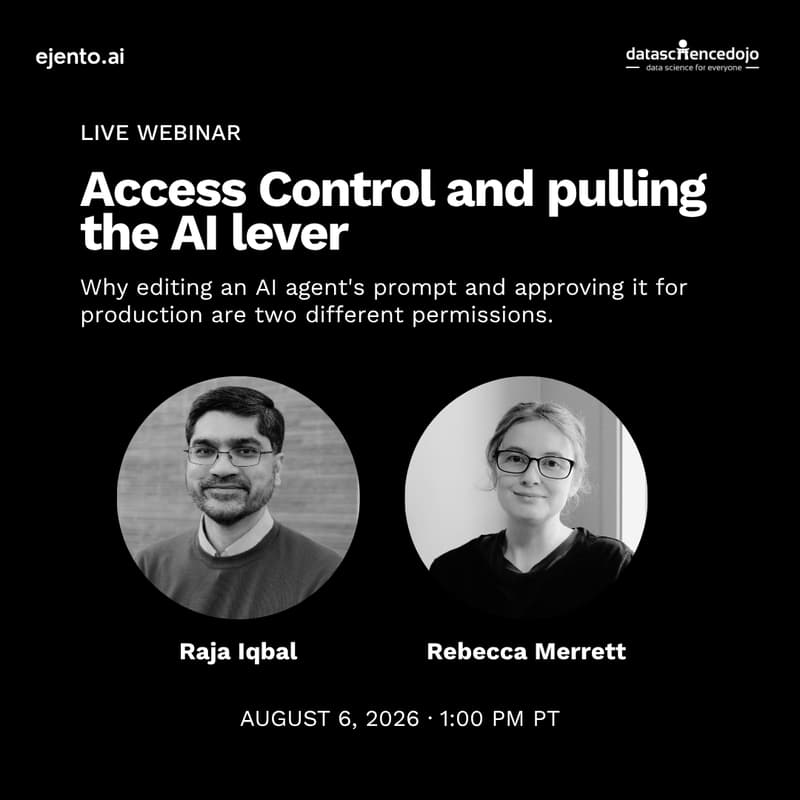

Access control and pulling the AI lever
Once guardrails keep an AI agent inside strict boundaries, a related but different problem shows up: who's allowed to change the agent in the first place, and who's allowed to push that change live? The person best positioned to write a great prompt — your top support rep, your ops subject matter expert — is almost never the same person who should decide whether that change is safe to expose to thousands of users in production.
Here's a real pattern of behavior the Ejento team often sees when working with clients: A subject matter expert spends hours tuning a customer support prompt, gets it exactly right, and — because the deploy button is right there — pushes it live without IT signoff. The change wasn't reckless; it just treated writing and shipping as the same permission, when they're actually two different jobs with two different risk profiles.
We will share our experience and take questions from the audience.
What you'll learn
Why writing a great prompt and deciding it's safe for production are different judgment calls that need different permissions
How Ejento Studio and Coworkers keep configuration and consumption architecturally separate, so no one can edit an agent from the interface they use to chat with it
How DevOps-style permission sets let someone have full edit access without holding the publish-and-deploy key
Why publish and deploy is deliberately its own permission, not bundled into "can edit"
The real difference between a runtime approval queue for risky actions and role-based access control over who can ship a new version of the agent itself
A live look at permission sets, group membership, and the Studio/Coworkers split inside the Ejento platform