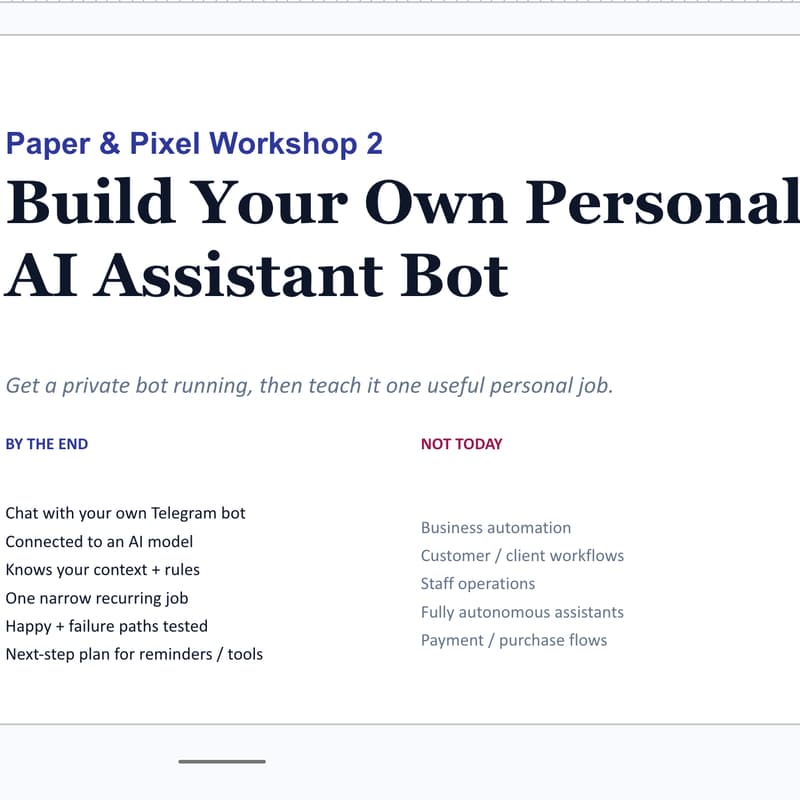

Build Your Own Personal AI Assistant Bot
Build a private AI assistant bot you can message from your phone — one that helps with your recurring personal tasks: reminders, follow-ups, appointment prep, notes, planning, and life admin.
In this hands-on 3-hour workshop, you'll create a small always-on computer in the cloud (a Google Cloud VM) and let Codex — an AI assistant on your laptop — do the technical setup for you. You won't memorise terminal commands: you create the accounts and approve each step, and Codex installs everything and explains any errors in plain English.
From a past participant: "I never imagined myself getting this 'technical' as a non-tech person. Oanh's AI workshop made it hands-on, can-do. Can't believe I have my own personal AI baby now." — Xuan N.
What you'll leave with:
A private Telegram bot that replies to you, running on your own always-on cloud VM — so it answers even when your laptop is closed
One personal job configured, with clear rules for what the bot can do, what it must ask first, and where it stops
Codex set up to help you keep the bot running afterwards
What we'll cover:
What a personal AI assistant bot actually is
Creating your cloud computer (a small Google Cloud VM, with a budget alert so there are no surprises)
Handing the technical setup to Codex: secure access, installing the bot, and connecting Telegram (or the optional OpenClaw phone app)
Writing your bot's instructions and safety rules — what it does freely, and what needs your approval
Where to take it next: reminders, and eventually light personal tool access
Important — bring a personal laptop you can install software on. You'll install Codex before class. Locked-down work or corporate laptops almost always block software installs and are very hard (often impossible) to use for this — please bring a personal machine where you can install apps.
Please bring:
A personal laptop you can install software on, with Codex installed and signed in
A Telegram account
A Google Cloud account (a free trial is fine)
A GitHub account
Your own AI provider account — OpenAI is the simplest, since you'll also use it for Codex. You'll set this up in class, so your bot keeps working afterwards with no temporary keys to swap out later.
One recurring personal task you'd like your bot to help with
Who it's for: People who want a personal AI assistant they control. You don't need to be a developer — some comfort with computers helps, and we go step by step (and let AI do most of the work).
Good to know:
Intentionally small — max 5 people
Refundable up to 7 days before; transferable any time
Questions? Email hello@paperandpixel.studio