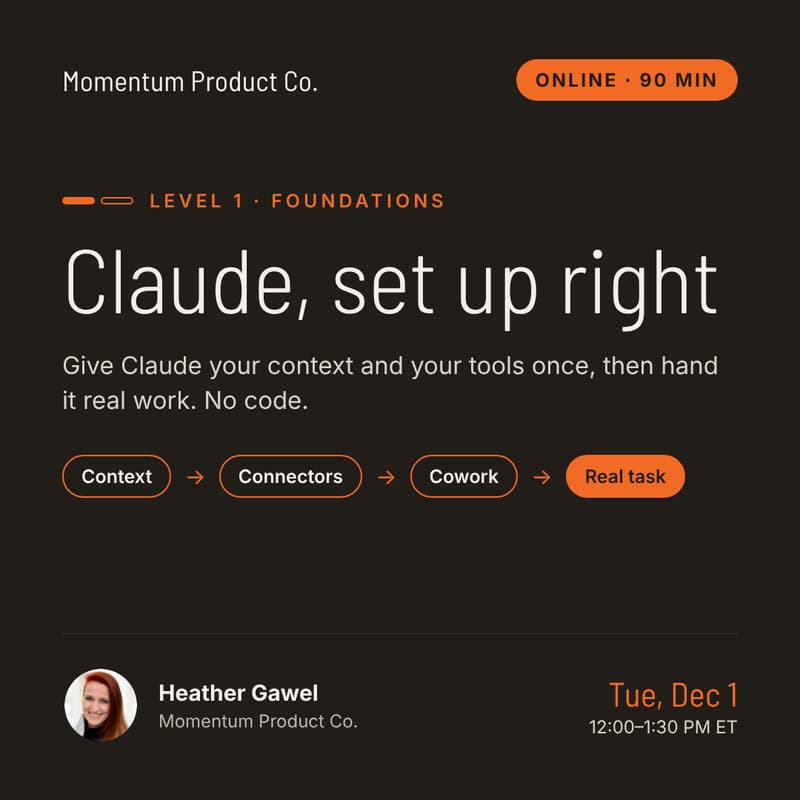

Claude, Set Up Right
Stop chatting with Claude and start handing it real work
Most people use Claude like a search box. You type, it answers, you copy and paste it somewhere, and tomorrow you explain yourself all over again.
That's maybe a tenth of what it can do. The rest is in the parts nobody walked you through: Projects, Cowork, connectors, Skills and artifacts. I run my own practice on these, mostly because I needed to, and this is the shortcut I wish I'd had.
The real shift is small but it changes everything. You stop thinking "I need to do this" and start thinking "I need to show Claude how to do this."
After 90 minutes, you'll
✓ Know what every part of Claude is for, and which ones you'll actually use
✓ Have Claude set up safely on your own laptop, with your context and your tools connected
✓ Have handed off one real piece of your work, start to finish
✓ Stop chasing every new AI tool, because most of what you need is already in one place
What you'll do
→ Know what's what. Chat, Projects, Cowork, Skills, connectors, artifacts and Design. What each one is for, where they fit together, and the prompting basics that make all of it work better.
→ Set it up safely. Folders, permissions, and what Claude can and can't touch, so you're comfortable letting it work on your real files.
→ Give Claude your context once. Set up a Project with your role, your work, your style and your files, so you stop re-explaining yourself.
→ Connect your tools. Hook up Gmail, Calendar and Drive (or whatever you've got) so Claude finds things instead of you pasting them in.
→ Hand off a real task in Cowork. Pick something you do every week. Watch Claude research it, browse for it, pull the data and write it up, then fix what it got wrong.
→ Make something you can show. Turn that work into slides or a simple dashboard in a few minutes.
→ Decide what to use when. Leave with a one-page guide: when a chat is enough, when it's a Project, and when it's worth building a Skill or an agent (that's Course 2).
How it runs
Live, hands-on and small. Mostly doing, not watching: you build on your own laptop while I demo on mine.
Who it's for
You use Claude or ChatGPT most days and you know you're only scratching the surface. No coding, no terminal. This doesn't cover Claude Code, which is built for developers.
Bring
A laptop and a paid Claude plan (Pro or higher), since Cowork and connectors need it.
You'll leave with
Claude set up with your context, at least one connector working, one real task done, something you made from it, and the one-page guide.