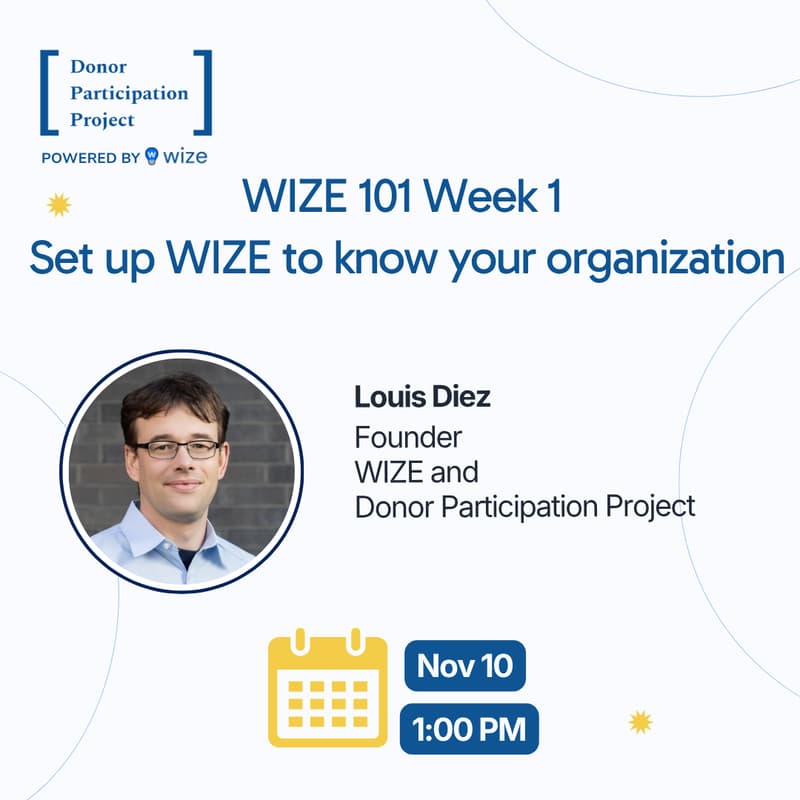

WIZE 101 Week 1, Set up WIZE to know your organization
Upload your key documents once, and every draft after that starts from your organization's own words.
If you are the whole development team, you do not have time to re-explain your organization to every tool you try.
In this live session, we set up WIZE in one sample organization, one step at a time: upload your key documents (case statement, past appeals, grant proposals), let WIZE save what it learns about your organization, add your brand, invite teammates and create boards for your work.
Then you do the same in your own account, so everything you do after this starts from your organization instead of a blank page.
What you walk away with:
Your key documents uploaded, and WIZE holding what it learned about your organization
Your brand added and your teammates invited
A first board set up for your own work
Who this is for: Development directors, grant writers and EDs who also fundraise, especially if you are the only fundraiser. Great for new WIZE customers and trial users.
All attendees receive a free WIZE trial account to use during the session. If you’d like to explore WIZE ahead of time and follow along more easily, you can create your free account here.