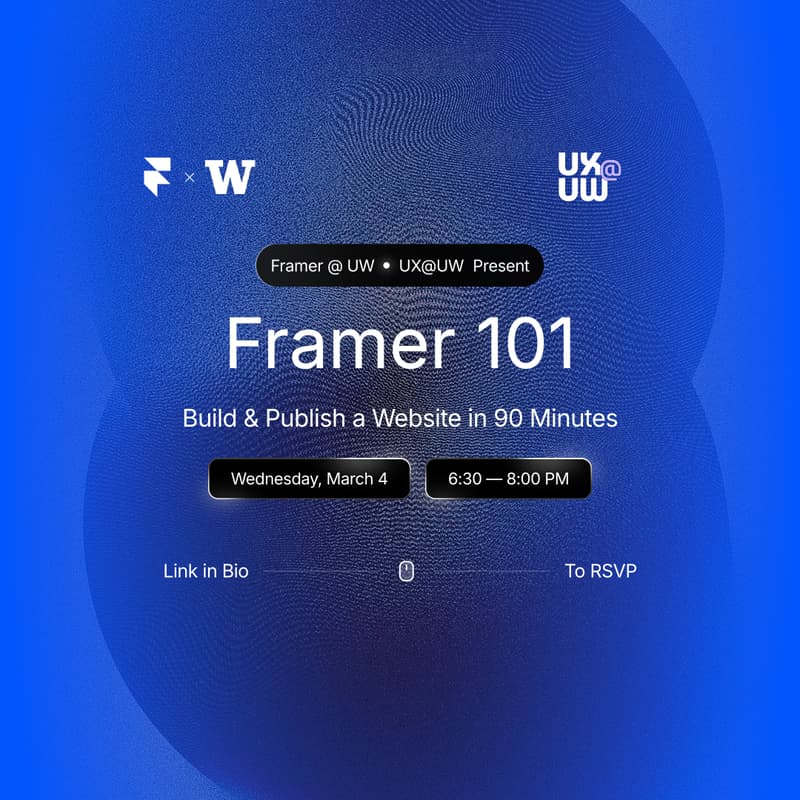
Framer 101: Build & Publish a Free Website in 90 Minutes
In this 90-minute hands-on workshop, you'll learn Framer fundamentals and walk away with a live, published website you can share immediately.
What You'll Learn:
Setup & Intro – Free student account creation, overview of the Framer interface and navigation
Core Layout Skills – Frames & stacks, positioning, and responsive layouts
Design & Customize – Styling frames, text, & elements; Adding links & navigation
Publish & Share – Site settings and SEO basics; Publishing to a live URL
Who Should Attend:
Designers wanting portfolios online
Students prepping for job/internship apps
Capstone groups needing project sites
Artists looking to display their work
Anyone with a side project or startup idea
Beginners welcome, no experience needed!
What to Bring:
Your laptop
Ideas for what you want to build
Optional: Content for your site (photos, projects, bio, resume, etc.)
What You'll Walk Away With:
A live, published website (portfolio, personal site, or project page)
Your own custom Framer site URL
Skills to build professional-looking sites without code
Free Framer student account
Templates and resources to keep building
Space is limited to 40 people. This workshop is completely free and open to all UW students!
Questions? Email emarsh27@uw.edu