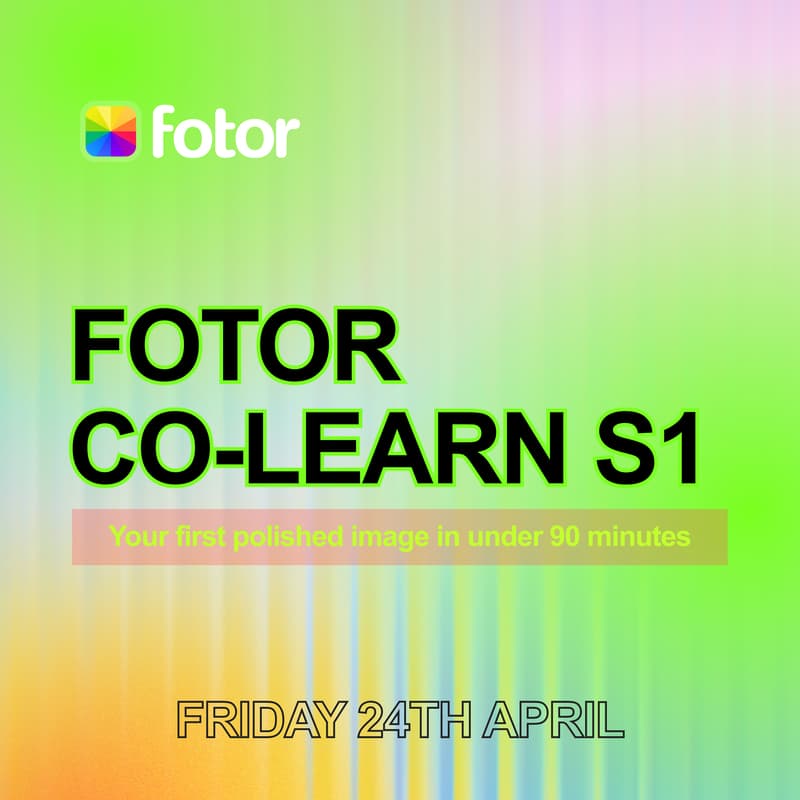

Fotor Co-Learn S1 · Your First Polished Image with AI (GPT image 2 is live!)
Week 1 of 4 · 90 min · Free
In 90 minutes we're going from a blank canvas to a fully polished image - ready to post. We're keeping it simple: one session, one finished image, done together. You'll leave with something you made yourself - not another tutorial you watched.
We'll start with a quick interface walkthrough so you can find everything you need, then edit or generate an image together: background, enhancement, art effects. From there we'll use templates to turn it into a social media graphic, and close out with a live feedback round where you drop your result in the community.
What you'll learn:
How to navigate Fotor and find what you need without getting lost
How to edit or create a photo from scratch
How to use templates to produce a social media graphic quickly
How to export your finished image in the right format
This is for you if:
You're completely new to design tools in general and want a low-pressure place to start
You've been meaning to get started with AI tools in visual creation but haven't done so
You tried, got a bit lost, and want a proper walkthrough with people around to help
This is the first session of Fotor Co-learn, a free four-week series where we go through Fotor's tools together, one topic at a time. No experience needed to start. Each session builds on the previous one, but you can also join any week.