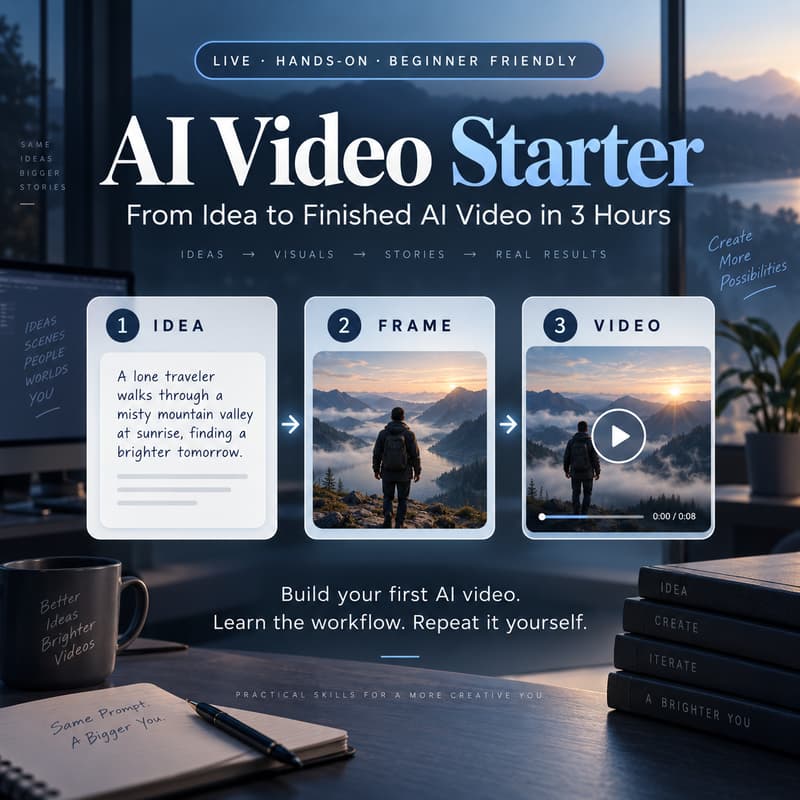

AI Video Starter: From Idea to Finished AI Video in 3 Hours
The goal:
By the end of the session, you should have created your own short AI video and understand how to repeat the process for your next project.
AI video tools are powerful, but for beginners the hardest part is usually not pressing Generate.
It’s knowing:
where to start
which tool to use
how to turn an idea into something a video model can actually execute
when you need reference frames
how to fix bad generations
how to turn separate clips into one coherent result
and how to ensure it will not eat whole subscription (or several) for one shot
This is a 3-hour live hands-on workshop designed for people who want to stop experimenting randomly and learn a practical AI-video production workflow they can reuse.
You’ll work through the process step by step:
Idea → Shot Plan → Reference Frames → Video Generation → Fix & Iterate → Assemble
Who is this for?
This workshop is a good fit if:
you are new to AI video
you have tried one or two video-generation tools but don’t yet have a clear workflow
you use AI casually but have never built a complete AI video
you are a creator, marketer, educator, designer, filmmaker, founder, or simply curious about practical AI video production
you want to understand the workflow instead of jumping between random tools and prompts
No coding experience is required.
This is not a coding workshop.
What you’ll learn
1. Turn an idea into a workable video plan
Start with a simple concept and break it into realistic shots instead of asking one model to create everything at once.
2. Create useful reference frames
Learn when to use:
first frame
last frame
intermediate references
image-to-video
text-to-video
3. Choose the right generation approach
Understand how to decide which tool/model is appropriate for a particular shot instead of choosing only by popularity or price.
4. Generate your shots
Build several short video segments using your references and prompts.
5. Fix failed generations
Learn how to identify whether the problem is:
the prompt
the reference frame
the amount of action in the shot
camera movement
the chosen model
6. Assemble the final video
Bring your generated clips together into one coherent short video and understand the basic finishing workflow.
What participants should bring
a laptop
one simple idea for a 10–30 second video
willingness to experiment
You do not need to prepare prompts or reference images in advance.
Note:
AI generation is probabilistic, so not every generation will work on the first attempt. Part of the workshop is learning how to diagnose and improve failed results rather than expecting every prompt to succeed immediately.
What participants leave with
You’ll leave with:
a new hands-on skills
your own short AI-video project
a repeatable production workflow
example prompts and templates
a tool/model reference list
access to the workshop resource page