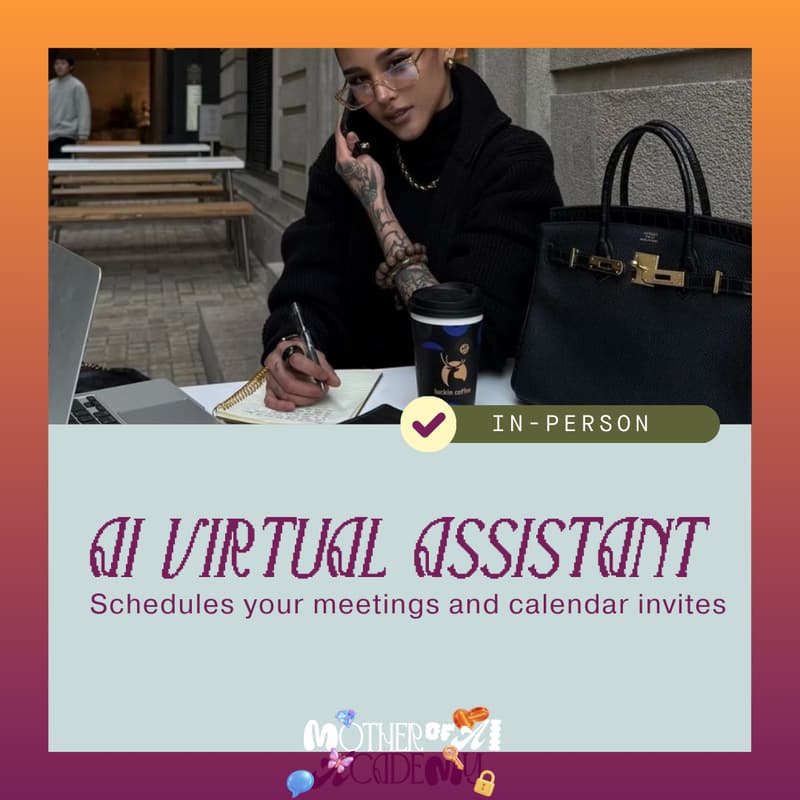

Mother of AI Academy: AI Virtual Assistant (Meetings and Auto Scheduling)
Virtual AI Assistant Workshop
Build your own AI Virtual Assistant that schedules meetings, sends calendar invites, follows up automatically, and manages billing so your operations run smoothly without you chasing anything.
WHY THIS MATTERS (READ THIS FIRST)
As a founder or business owner, the invisible work is what exhausts you.
Scheduling.
Following up.
Sending calendar invites.
Chasing invoices.
Reminding people to pay.
None of it is “hard.”
It’s just constant.
This workshop exists so you stop being the system that holds everything together.
Not with another app.
Not with complicated software.
But with an AI Virtual Assistant that works like a real assistant:
You CC it.
It schedules.
It follows up.
It sends reminders.
It tracks billing.
It nudges until things get done.
Quietly.
Politely.
In your voice.
WHAT WE’RE BUILDING TOGETHER
You will build an AI Virtual Assistant that can:
• Schedule meetings when you CC it on emails
• Send calendar invites automatically
• Follow up when people don’t respond
• Track invoices and billing requests
• Send polite payment reminders
• Close loops so nothing falls through
This is not about replacing you.
It’s about giving you operational backup.
Your assistant handles logistics.
You handle relationships and decisions.
AGENDA & WORKSHOP FLOW
Arrival + Welcome
• Set expectations
• Overview of what we’re building
• What a “working” AI assistant actually looks like
Context + Live Demo
• See a fully built AI Virtual Assistant in action
• Watch it schedule a meeting
• Watch it send a follow-up
• Watch it send an invoice reminder
• Understand what “good” looks like before building
Build Session 1: Your AI Assistant Brain
• Create your Custom GPT
• Define its role: scheduling, follow-ups, billing
• Train tone: professional, warm, firm, clear
• Define boundaries: when it acts, when it waits
Build Session 2: Scheduling System
• Set up CC-to-schedule workflow
• When you CC your assistant:
– It reads the thread
– Suggests meeting times
– Sends calendar invites
• Connect Gmail or Outlook
• Test real scheduling emails
Build Session 3: Follow-Up System
• Build follow-up logic:
– No reply after X days
– Gentle nudge
– Second reminder
• Train phrasing so it sounds like you
• Test on real emails
Build Session 4: Billing & Invoice Assistant
• Create billing assistant logic:
– Track outstanding invoices
– Send payment reminders
– Follow up politely
– Close the loop once paid
• Build CC-based workflow:
– CC assistant on invoice email
– Assistant tracks and follows up
• Test with sample invoice scenarios
Automation Walkthrough
• How ChatGPT and Zapier work together
• What we connect today
• What can be expanded later
• How your assistant “knows” when to act
Testing + Refinement
• Run live scenarios:
– Scheduling
– No-response follow-up
– Invoice reminder
• Adjust tone, length, and firmness
Wrap-Up + Activation
• How to turn everything on immediately
• How to use your assistant daily
• How to expand later into full operations support
WHAT TO KNOW BEFORE YOU ARRIVE
• This is hands-on
• You will build real systems
• You will leave with working automations
• Beginner-friendly, but practical
• No tech experience required
WHAT YOU’LL WALK AWAY WITH
By the end of this workshop, you will have:
✔ A Custom GPT trained as your AI Virtual Assistant
✔ A scheduling assistant you can CC on emails
✔ Automatic calendar invite workflows
✔ Follow-up automation for unanswered emails
✔ Billing and invoice reminder system
✔ A complete operational assistant stack
✔ A system you can turn on immediately
This is not a demo.
This is your assistant going live.
THE PROBLEM WE’RE SOLVING
Most businesses feel chaotic because:
• Scheduling lives in your head
• Follow-ups rely on memory
• Billing depends on you chasing
• Everything waits for your attention
This assistant becomes your operational backbone.
Nothing slips.
Nothing gets forgotten.
Nothing drains your mental energy.
TOOLS WE’LL USE
• ChatGPT (Custom GPT build)
• Zapier (free tier is fine)
• Gmail or Outlook
You do not need to be technical.
We guide every step.
PRE-WORK & REQUIREMENTS
WHAT TO BRING
☐ Laptop + charger
☐ ChatGPT account (Plus recommended)
☐ Zapier account (free tier works)
☐ Email access (Gmail or Outlook)
☐ One folder with:
– Sample scheduling emails
– Sample invoice emails
– Sample follow-up emails
EASY DONE-FOR-YOU PREP
You do not need to:
• Know automation
• Write prompts
• Understand Zapier
What helps:
• Bringing real emails
• Knowing what drains you
• Being honest about what you want off your plate
We build the assistant around your reality.
This workshop pairs perfectly after the AI Email Assistant.
Email handles communication.
Virtual Assistant handles operations.
Together, they create an AI-powered back office that finally runs without you being the bottleneck.