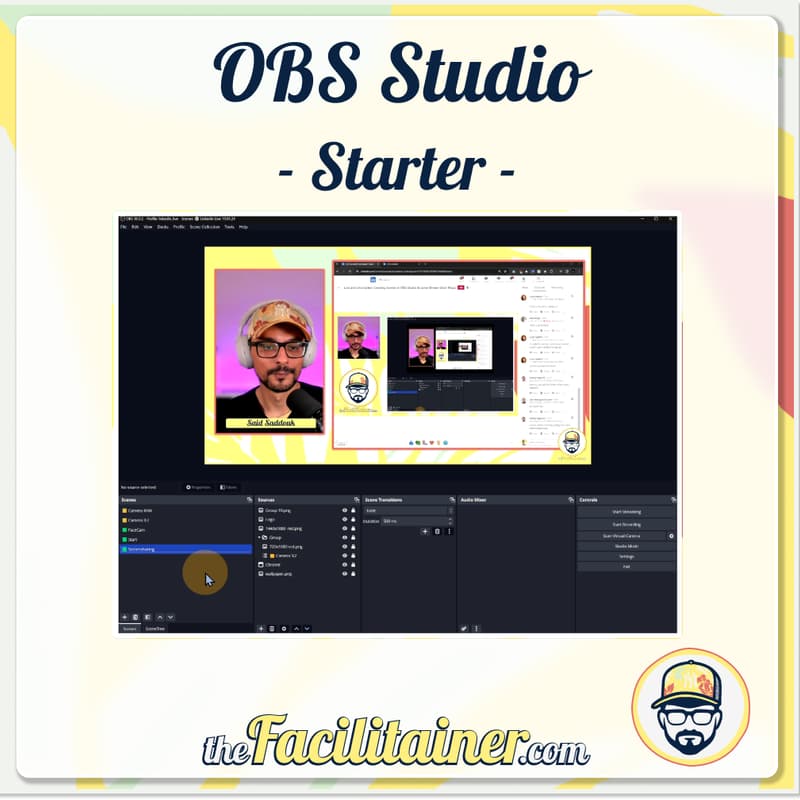

OBS Studio - Starter
Are you tired of boring virtual workshops and dull online trainings? Looking to upgrade your virtual sessions?
Imagine captivating your audience with cool visuals and smooth transitions in Zoom meetings. With OBS Studio, you can make your online workshops and training sessions engaging and unique. Say goodbye to dull presentations and hello to exciting virtual experiences.
Join me, and let's start our OBS Studio journey together!
Why this Course:
🚀 Dive into OBS Studio with confidence, even as a beginner.
💡 Learn practical techniques to enhance your virtual presentations and streaming sessions.
🎨 Master the fundamentals of scene crafting and media integration for captivating content creation.
💪 Empower yourself with fundamental knowledge to explore OBS Studio's advanced possibilities.
🌟 Gain valuable skills to stand out in the competitive world of online content creation and virtual facilitation.
What You'll Learn:
Intro to OBS Basics: Understand the core aspects of OBS Studio.
Setting up the virtual camera to be used in (e.g., Zoom).
Scene Crafting: Discover effective scene creation for virtual events.
Visuals & Media: Add appealing visuals and media to your sessions.
Integrating Tools: Learn to incorporate presentation tools seamlessly.
Who Should Attend:
Virtual Presenters and Facilitators, perfect for enhancing your virtual workshops and online trainings.
Online Educators and Trainers, ideal for improving your online teaching and training sessions.
Streamers and Content Creators, great for taking your streaming and content creation to the next level.
Prerequisites:
No prior knowledge in OBS Studio required.
Requirements:
A PC or Mac capable of running OBS Studio.
A functional camera - either a webcam or built-in.
A microphone for clear audio.
OBS Studio pre-installed (latest version from obsproject.com).
A stable and reliable internet connection. Optional:
A dual monitor setup can be helpful but isn’t essential.
Ready to Begin? Join me in this introductory course to OBS Studio and set yourself up for future learning and advanced exploration in virtual presentations. Let’s dive in!