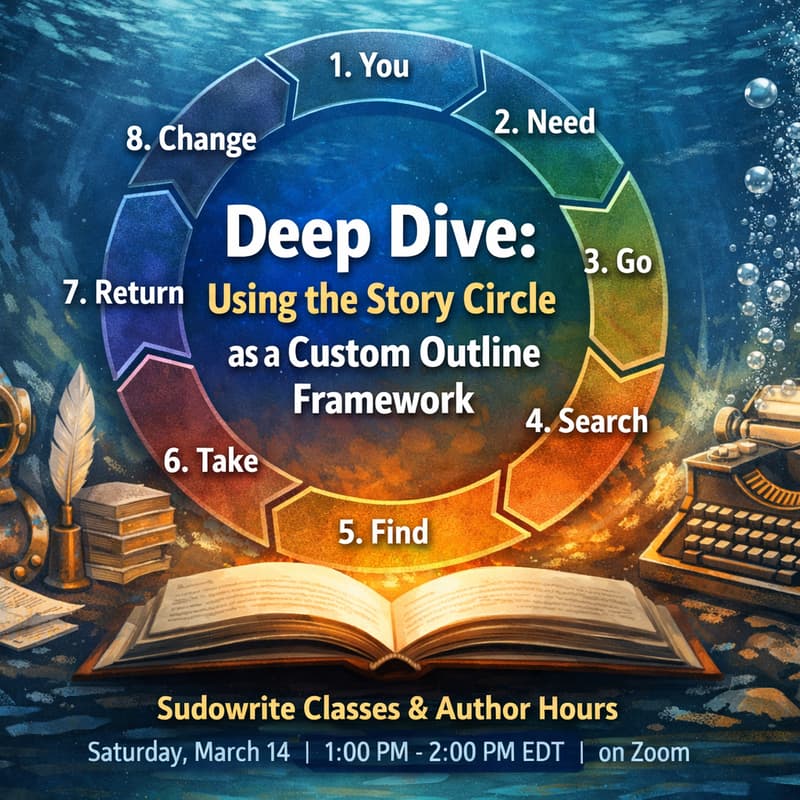

Deep Dive: Using the Story Circle as a Custom Outline Framework
Sudowrite offers several built-in outline types, but eventually you may find yourself asking, “Why can’t I use this structure instead?”
Good news. You can! Sudowrite's Outline section supports Custom Outline types. You just need to know how to get the most out of those. That's what this session is for.
This month, we’ll use the Story Circle’s eight stages as a practical way to build better Custom Outlines in Sudowrite. You’ll learn how to translate each stage into clear, usable prompts—so the outline Sudowrite generates follows your intended narrative beats instead of drifting into generic “AI-bland” structure.
We’ll work hands-on with the craft of prompting: choosing the right level of detail for each beat, adjusting wording to fit tone, pacing, and genre, and creating reusable templates you can bring into future projects. By the end, you’ll leave with a straightforward method for writing Custom Outline prompts, at least one fully written Story Circle–based Custom Outline, and an outline you can apply to a current or new project—plus a repeatable process for testing other frameworks over time.
This is a good fit if you feel constrained by built-in outlines, like working with specific story structures, want more control over AI outputs, or are developing a series and need a consistent, repeatable workflow.