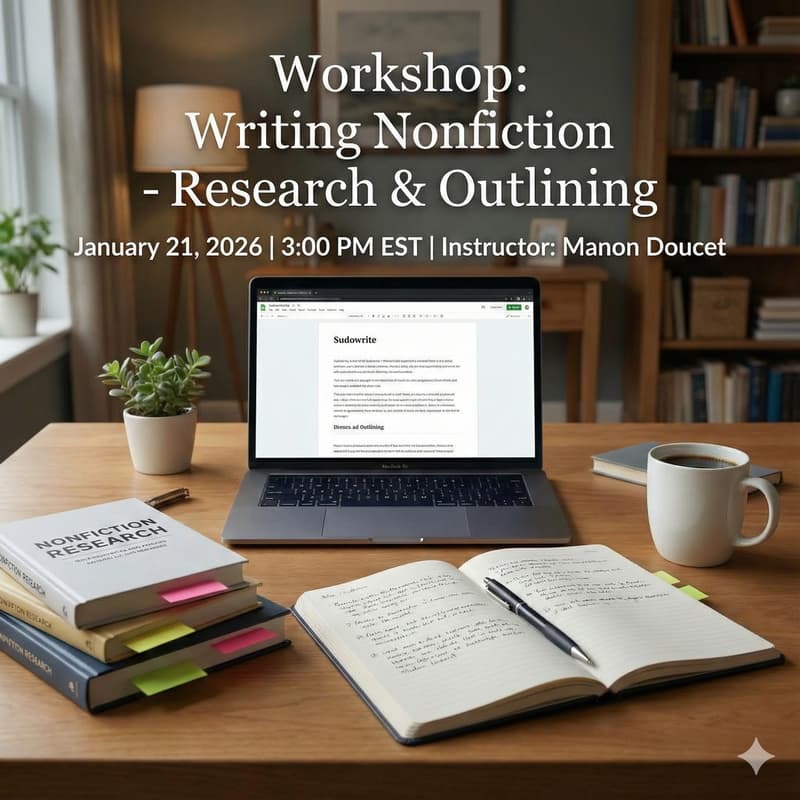

Deep Dive: Crafting Stories with Custom Outline Frameworks
Sudowrite offers several built-in outline types—but sooner or later, every writer hits the same wall:
“Why can’t I use this outline instead?”
Maybe it’s a framework from a craft book you love. A beat sheet you’ve tweaked over years. A structure that finally makes stories click for you—but isn’t available in Sudowrite’s menu.
This session is where that problem ends.
In this class, you’ll learn how to take any outlining system—whether it comes from Save the Cat!, the Snowflake Method, scene/sequel theory, rom-com beats, mystery templates, or your own personal process—and turn it into clear, reusable instructions that Sudowrite can actually follow using Custom Outlines.
We’ll break real frameworks down into practical, AI-friendly steps. You’ll see how to:
Translate complex structures into simple prompt-style directions
Decide how much detail each beat really needs
Adjust wording so Sudowrite produces the kind of outline you want—not a generic one
This isn’t about memorizing more structures. It’s about learning how to convert any structure you encounter—now or in the future—into something Sudowrite can use.
By the end of the session, you’ll leave with:
A clear method for turning external outline templates into Custom Outline prompts
At least one fully written Custom Outline you can save and reuse
A working outline for a current or new project generated from your own framework
A repeatable process for experimenting with new structures as you discover them
If you’ve ever thought, “I wish I could use this outline structure in Sudowrite,” This class shows you exactly how to make that happen.