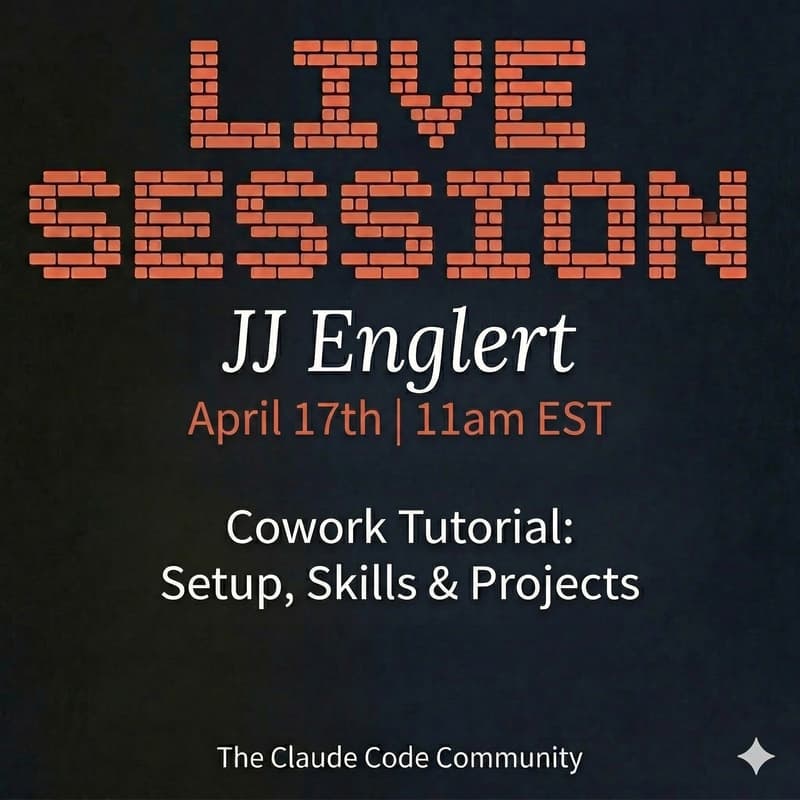

Claude Cowork Tutorial
Cowork is Claude Code designed for non-technical work. Instead of typing prompts and copying outputs, you describe an outcome and Claude plans, executes, and handles everything, right on your computer.
In this live session, I'll walk you through everything you need to get started and get real value out of Cowork from day one:
What we'll cover:
Setup - Getting Cowork running on your machine, granting folder access, and configuring your workspace so Claude can actually do the work for you
Skills - How to install and use specialized instruction sets that let Cowork create real Excel spreadsheets, PowerPoint decks, Word documents, PDFs, and more
Projects - How to structure your folders and workflows so Cowork can manage ongoing work, not just one-off tasks. Think of it as onboarding a new coworker, not chatting with a bot.
Who this is for:
This session is built for non-developers. If you're in operations, strategy, marketing, finance, or leadership and you want to start using AI agents for real work without writing code, this is for you.
When: Friday, April 17th at 11am EST
Where: Virtual
Hosted by: The AI Builders Community (formerly known as The Claude Code Community)
Come with questions. I'll be building live and showing you exactly how I use this every day.