
How to Design and Deploy the Best Vision Pipeline
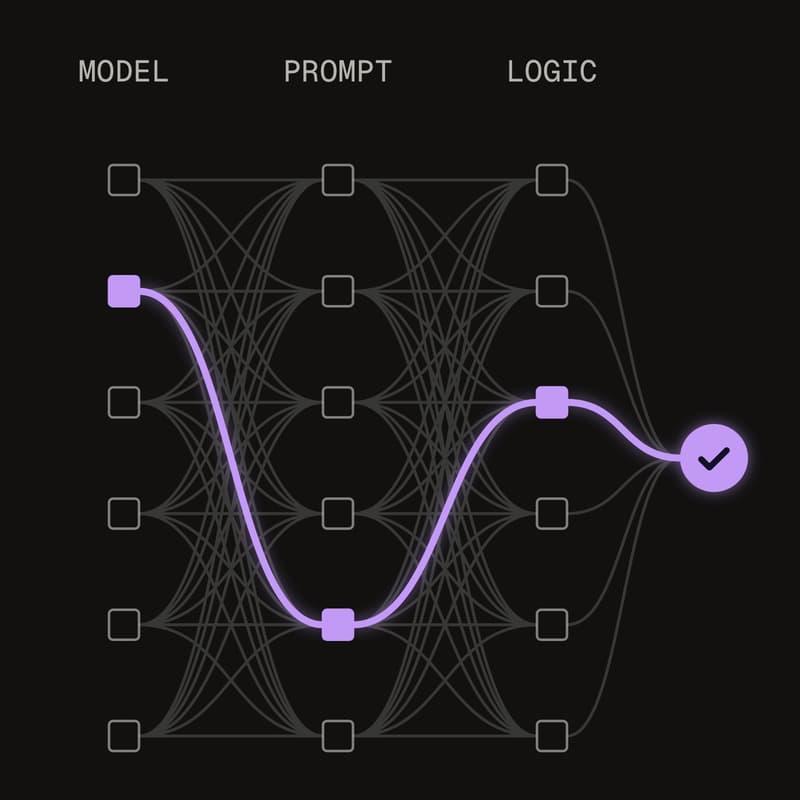
When you're designing a system that can see and understand the physical world, you want to find the setup that performs best. That might mean comparing hundreds of possible configurations: different models, different prompts, and different logic. Testing each combination by hand requires saving every output and eyeballing the results, which takes time and might give you unclear answers.
In this live session, we'll look at two tools that help you run those experiments and find the optimal configuration. We'll start with a project where we needed visual intelligence to watch a video and answer various questions about it. That example will show how you can explore different configurations and find the one with the best accuracy and latency.
What you'll see:
Compare configurations side by side: Pick a set of test images, add the right answers, run many versions of a Workflow against them, and see accuracy and speed for each one in one view.
Explore vision pipelines automatically: Have Roboflow Agent build the variations, or use Claude Code, Codex, or Cursor to build them, test them, and report back.
Search thousands of model designs: Train once while Neural Architecture Search (NAS) tests over 5,000 model configurations, then pick the best model at each speed for the hardware you deploy on.
By the end of the session, you'll know how to set up a Workflow Eval and interpret its results, and how to use NAS to choose a model that balances accuracy and speed.