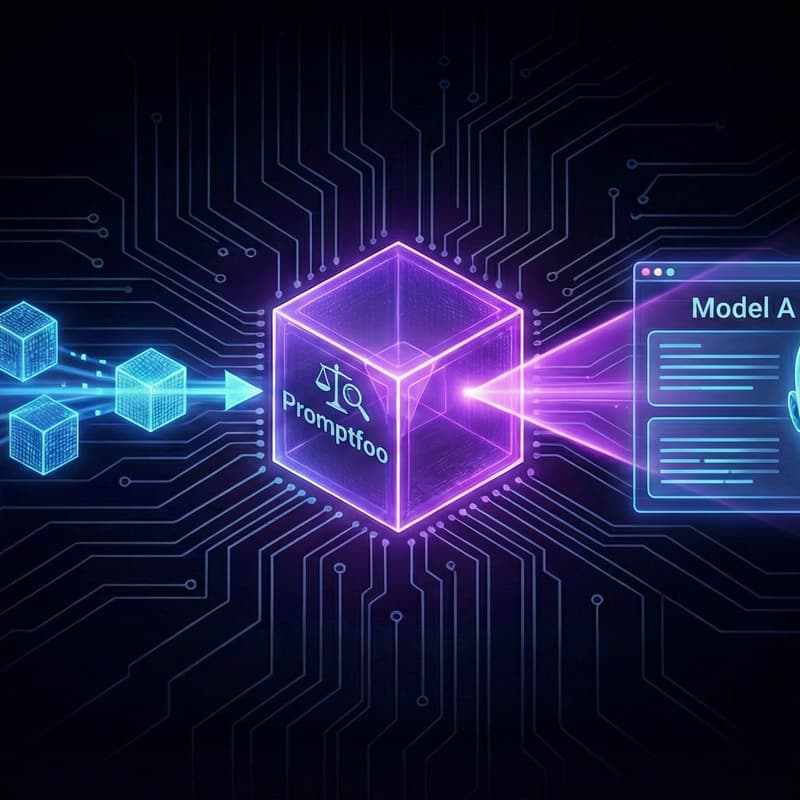

⚖️ LLM Evaluation: Moving from "Vibes" to Verified Performance
"It works on my machine" is not a deployment strategy.
How do you know if Llama 3 is better for your specific business use case than Mistral? How do you prove your RAG system isn't hallucinating before it reaches a customer? This workshop bridges the gap between a "cool demo" and a "production system" by teaching you how to scientifically measure AI quality.
Building on our local stack, we move beyond subjective manual testing. We will implement automated benchmarking to move from "vibes-based" development to verified, data-driven performance.
What we’ll build:
🧪 The Test Suite: Setting up Promptfoo (industry-standard open-source tool) to run automated assertions against your local models.
📉 Metrics that Matter: Implementing "Faithfulness" and "Answer Relevancy" scores to detect hallucinations in your RAG output.
🏎️ Performance Benchmarking: Running side-by-side comparisons of latency and accuracy between different local model architectures.
🔄 The Feedback Loop: Integrating automated evaluations into a professional local development workflow.
Who is this for? Engineers, Architects, and Platform specialists who are responsible for the quality and reliability of AI implementations. If you need to justify model choices with hard data rather than intuition, this session is for you.
🍕 Food & Drink: Doors open at 5:30 PM for drinks and networking, and pizza will be available just before 6:00 PM. We will kick off with a short intro while everyone eats and gets settled. The hands-on coding session will start at 6:15 PM.
⚠️ Prerequisites (Must Have): To ensure you can follow along, please have the following ready before you arrive:
Laptop with 8GB+ RAM (16GB recommended).
Docker Desktop installed and running.
VS Code installed.
10GB free disk space.
No API keys required.
Not sure what your laptop hardware tier is? Click here to run a 5-second scan.
Looks for "vendor" and if it says apple or nvidia → You are 🟢 Green (Pro).
If it says intel, amd, or google → You are 🟡 Yellow (Standard).
👉 Click here for our Full Setup Guide (Please check this guide if you are on Windows to ensure WSL2 is configured correctly!)