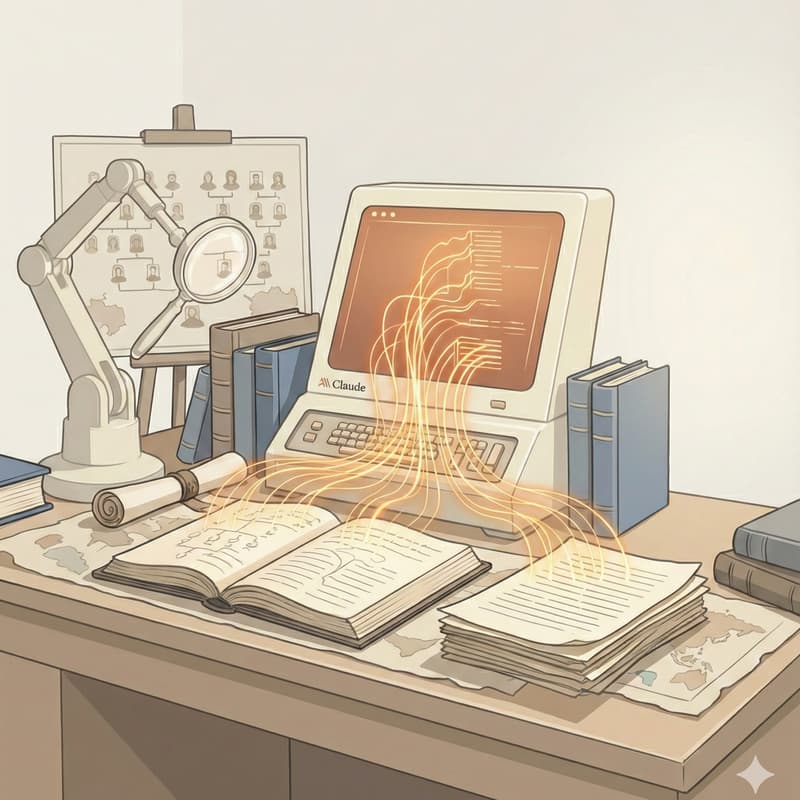

Session 3/5: Claude Skills & Integrations — Connect Claude to Your Real Workflow
Part of the Build Your Genealogy Assistant with Claude series
Out of the box, Claude is a generalist. Skills and integrations make it a specialist — your specialist, tuned to your research.
Skills are instruction sets that teach Claude how to handle specific tasks well: creating properly formatted Word documents, building PDFs, producing spreadsheets. Integrations connect Claude to the tools you already use — your Google Drive, the web, your Notion workspace. Together, they transform Claude from a conversation partner into something that fits inside your actual research workflow.
In this session, you'll connect Claude to your Google Drive, use web search to find historical context, and create a formatted document you could hand to a family member or submit to a genealogy society.
What you'll walk away with:
Claude connected to at least one external tool, plus a formatted Word document or PDF created from your own research.
What you'll need for this session:
A Claude Pro subscription ($20/month at claude.ai)
A computer (not a phone)
Your own genealogy research files — we work with your real data, not hypotheticals
What we'll cover:
What skills are and how Claude uses them (plain English, no jargon)
The built-in skills that matter for genealogy: Word docs, PDFs, spreadsheets, presentations
Integrations explained: how Claude connects to Google Drive, web search, and other services
Enabling your first integration and watching Claude pull from your own files
Using web search for historical context — and verifying what comes back
Creating a polished document you can share, print, or submit
Your turn moments:
Enable the Google Drive connector and pull a document into Claude
Use web search to find historical context for one ancestor's time and place
Create a professionally formatted Word doc or PDF about one ancestor
About Denyse:
I help family historians finish their research and write chronicles their families will actually read. I teach AI as a research partner — not a replacement — and my students have a 90% completion rate in the Chronicle Writing Sprint. I'll show you exactly how I use AI in my own research.
Can't attend live? Register anyway — you'll receive the recording after the event.