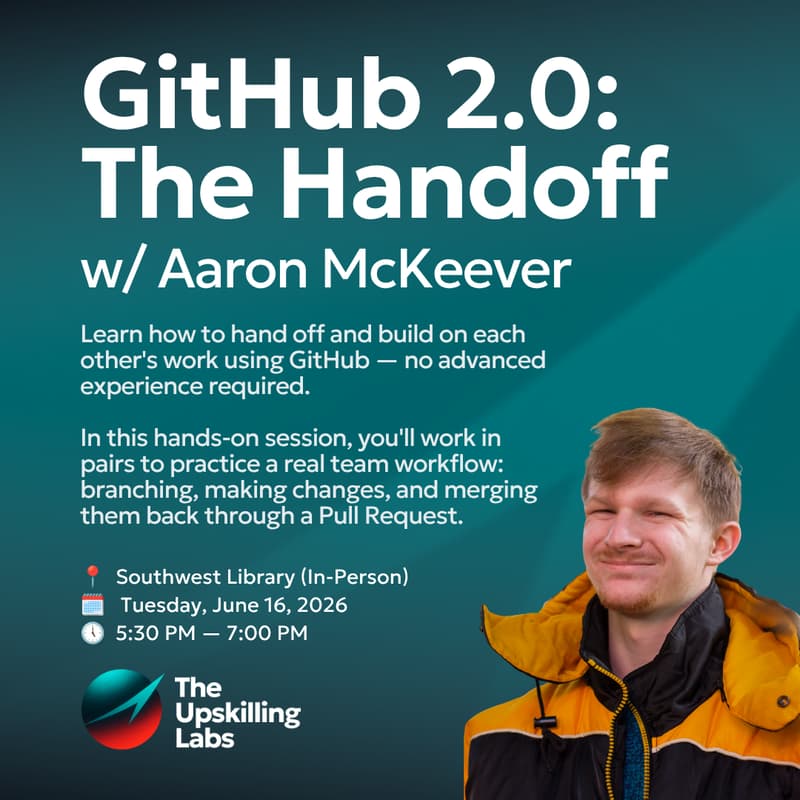

GitHub 2.0: The Handoff — Building Together Without Breaking Things
About the Workshop You've learned to commit and push your own work. But what happens when your code becomes someone else's starting point? In this 90-minute, hands-on session, you'll work in pairs to run a complete team handoff: one partner builds a simple personal web page using an AI builder and ships it to GitHub, and the other pulls it down, makes changes on a branch, and sends it back through a Pull Request — without anyone breaking anything. It's the exact workflow your build-cycle team will live in, practiced once with training wheels on.
About the Instructor
Aaron McKeever is a recent graduate of Columbia University, where he studied information science and specialized in computational linguistics. At Columbia, he worked as a research assistant and project lead across multiple teams, using tools such as GitHub, Python, and Linear to manage shared projects, track contributions, and coordinate work with remote collaborators. His personal research project — a digital history of early 20th-century industrial networks spanning the US, UK, and Germany — uses GitHub to manage key data files and sub-projects. Additionally, his work includes serving as a deputy board UX/UI designer and training lead on the Columbia Daily Spectator product team. Before Columbia, Aaron spent a year in Germany as a U.S. Department of State CBYX-Y scholarship recipient, and he currently works as an administrative and research professional in Washington, DC.
Skills you'll walk away with:
Branching with confidence — making changes without ever touching the team's working code
Opening, reviewing, and merging your first real Pull Request
Connecting AI builder tools (like Lovable and Replit) to GitHub so your generated code is shared
Reading and editing code you didn't write — including using AI as your guide to an unfamiliar codebase
Documenting your AI prompts in the repo so teammates can understand and build on your work
What to bring:
Your laptop with GitHub Desktop and VS Code installed (from the first GitHub workshop — if you missed it or have a new machine, arrive 15 minutes early and a mentor will get you set up)
Your GitHub account login
No coding experience required beyond the basics from Workshop 1 — if you can edit text and follow steps, you're ready (ask for deliverables from first workshop if you need refresher)