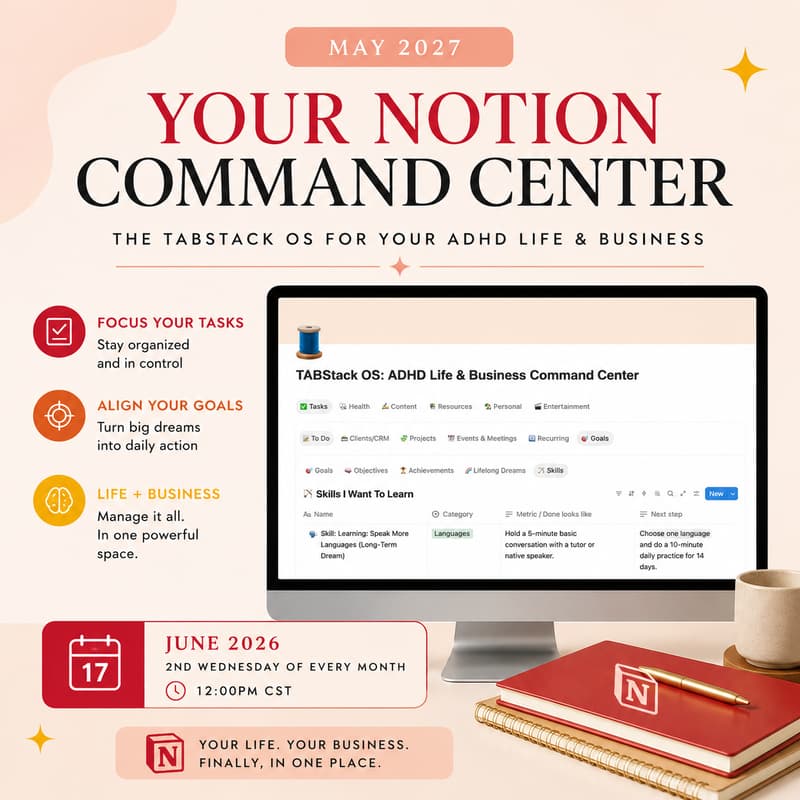
Your Notion Command Center Workshop
Your Notion Command Center Workshop (Live on Zoom)
In this live workshop, I’m walking you through the exact Notion setup I use as my personal “command center” — the home base that keeps my tasks, projects, content, and life logistics in one place without feeling overwhelming.
You’ll watch me demo my real Tabstack system live (not a polished template), so you can see how it actually works day-to-day — what I track, how I organize it, and how I keep it simple enough to maintain. Then I’ll teach you how to build your own version of a Notion Command Center that fits your brain and your business.
What we’ll cover:
The core pages + databases that make a command center work (without overbuilding)
How Tabstack is structured (tabs, dashboards, and “where things live”)
My workflow for capturing tasks/ideas and turning them into an actual plan
How to set up a clean weekly view so you always know what matters right now
Common mistakes that make Notion feel cluttered — and how to avoid them
Who it’s for:
Anyone who’s tried Notion before but didn’t stick with it
ADHD or “too many tabs open” entrepreneurs who need a central hub
People who want a usable system, not another aesthetic template
You’ll leave with a clear structure you can copy, a build plan you can finish fast, and the confidence to keep iterating your command center as your life changes.
$10 for the workshop
Free for those on my Substack Paid Account (link inside here to the password)